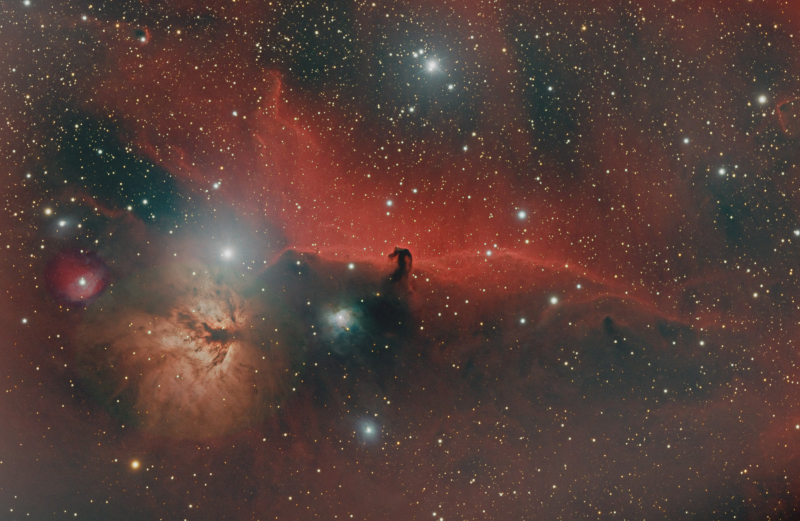
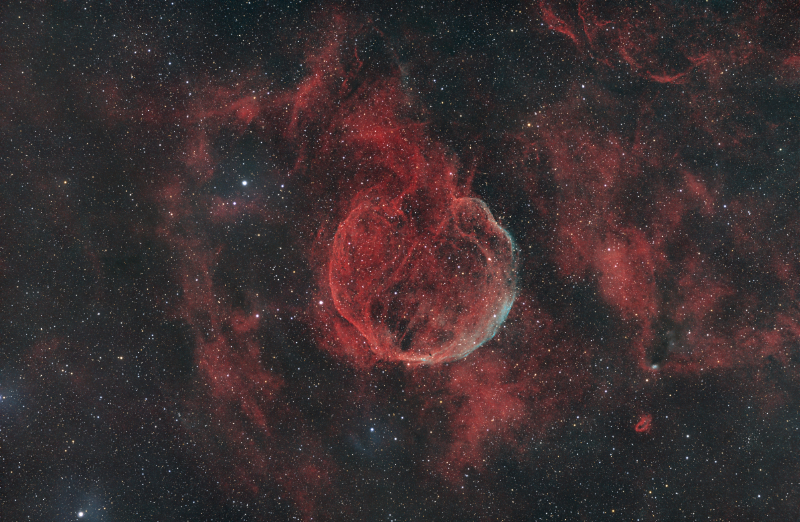
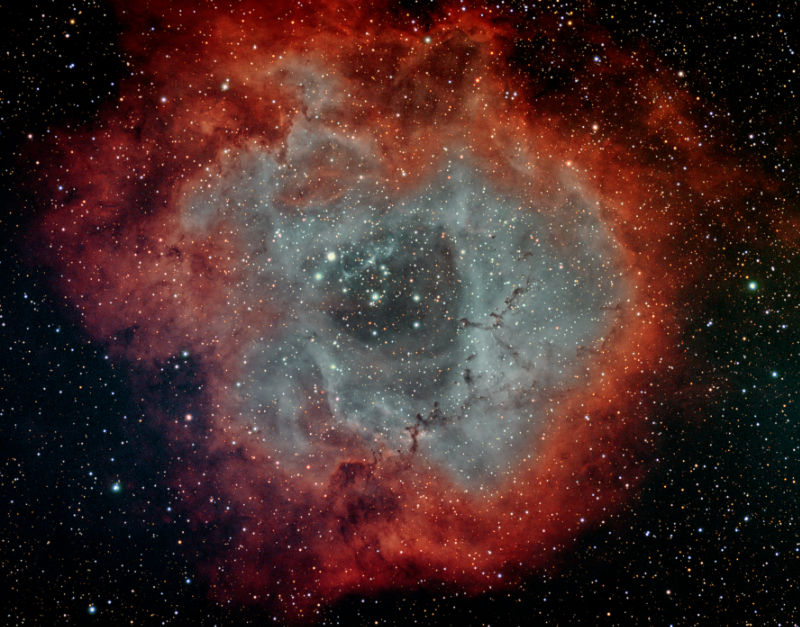
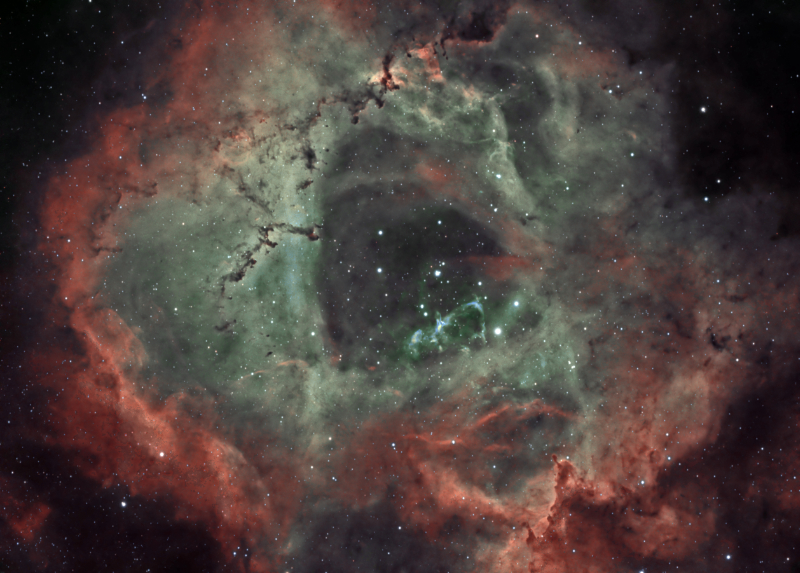
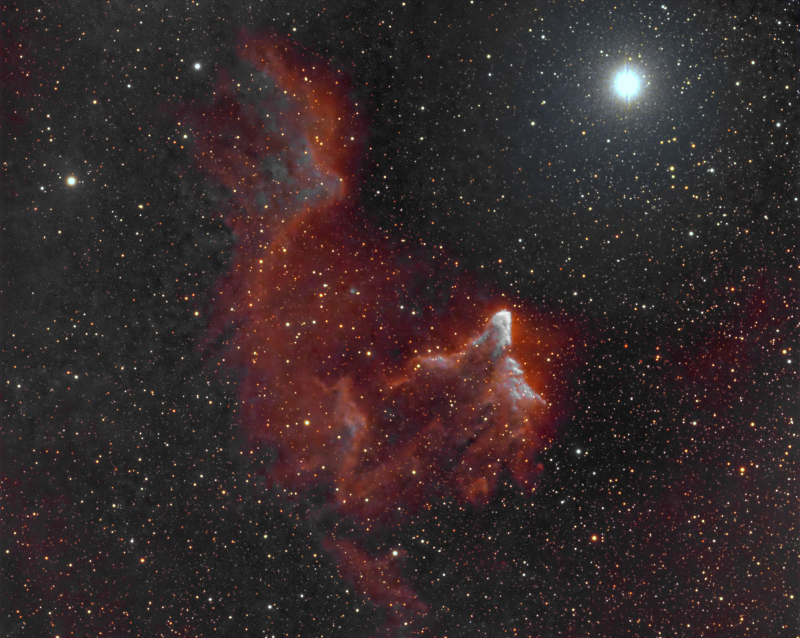
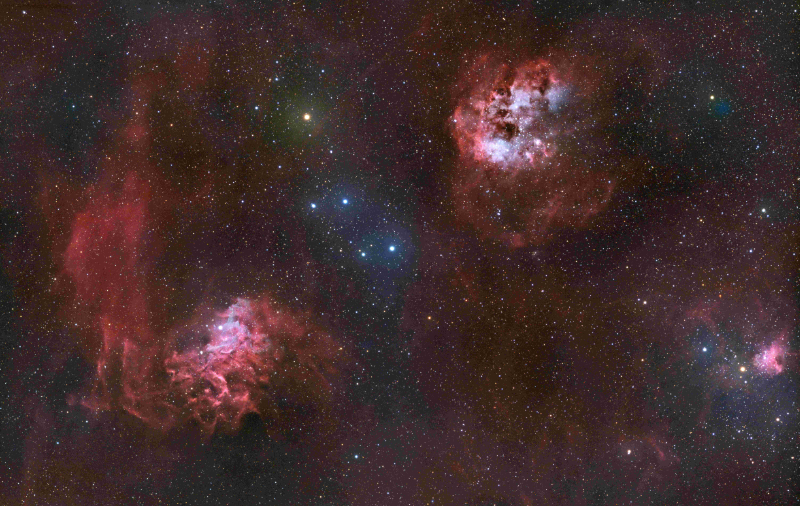
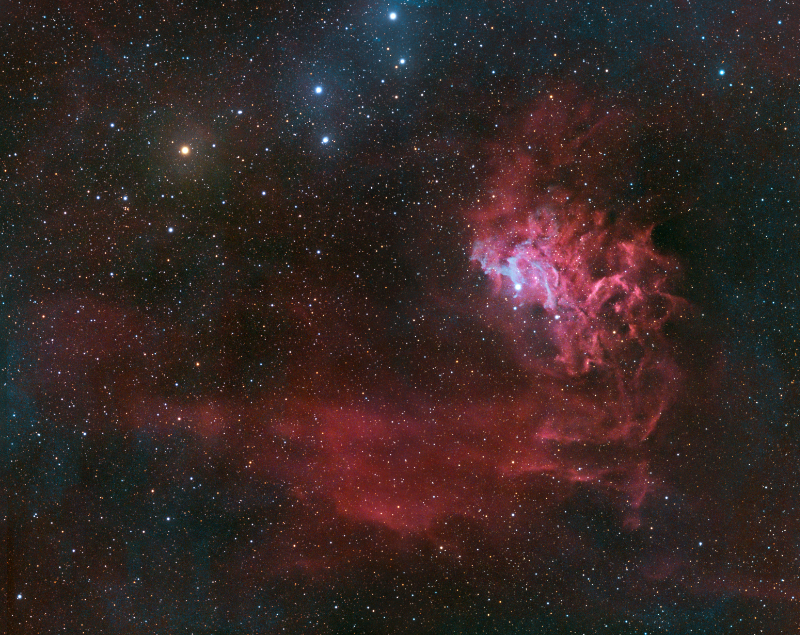
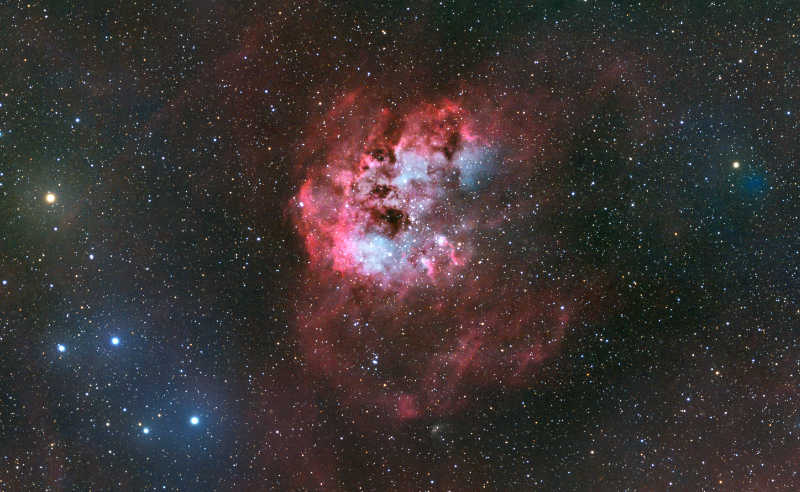
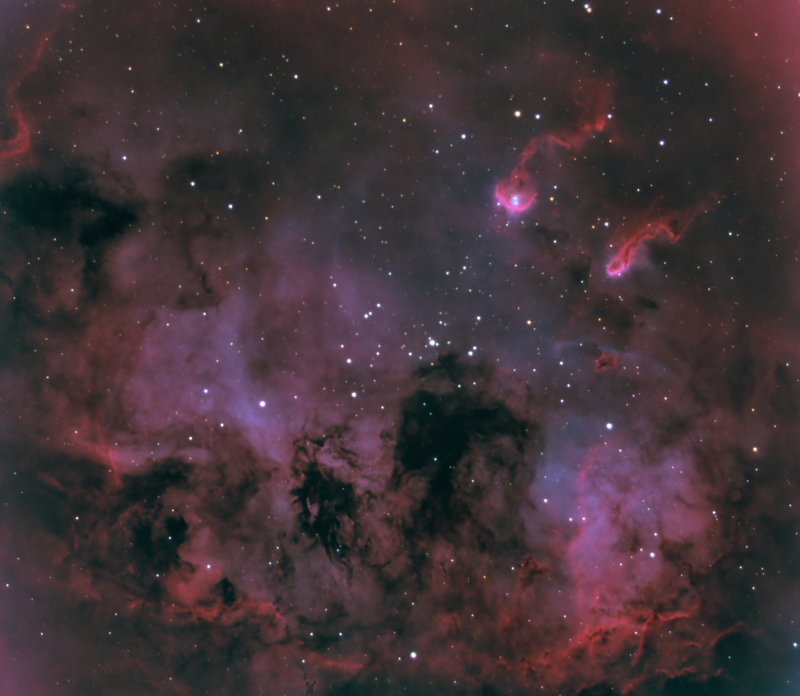
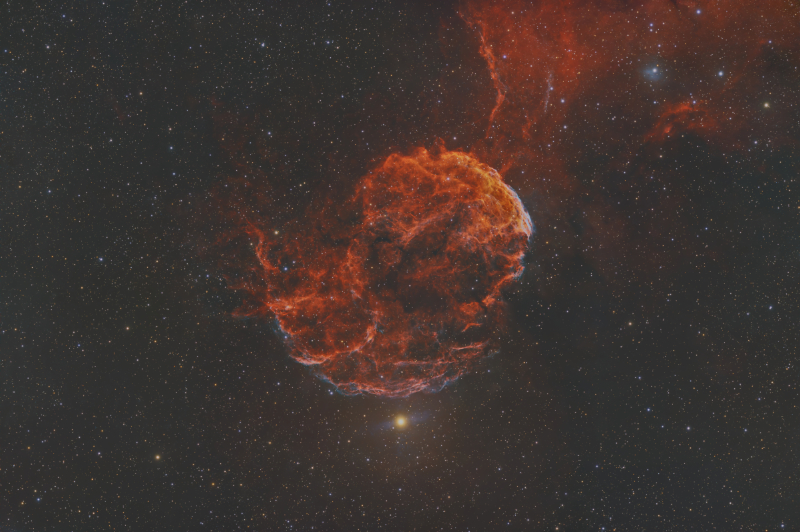
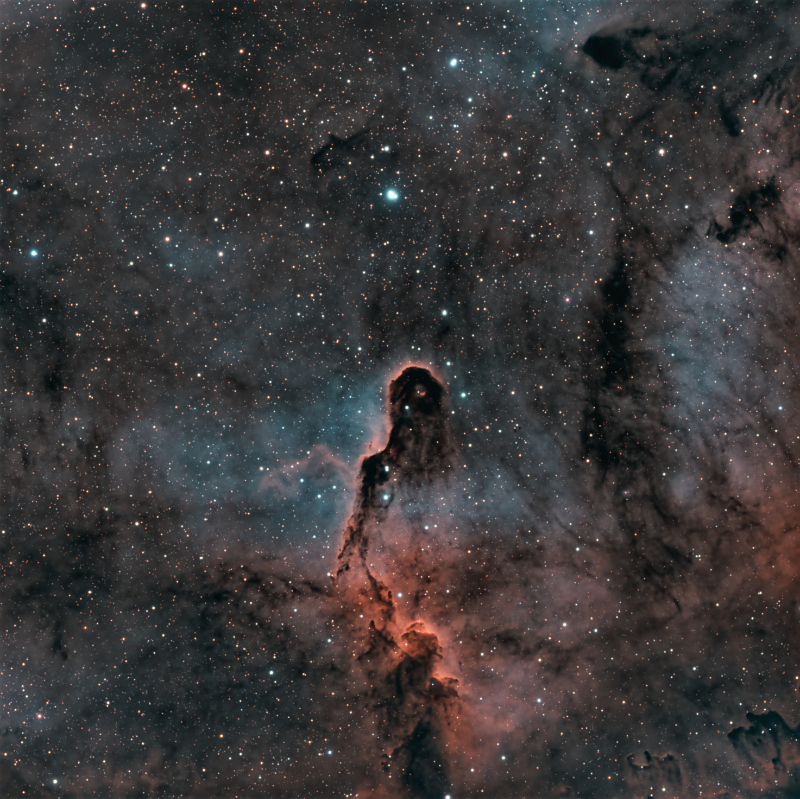
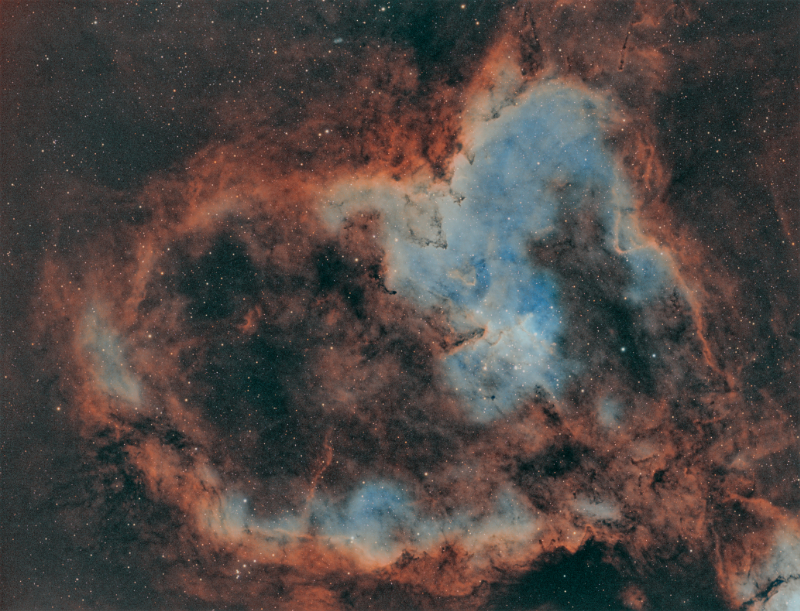
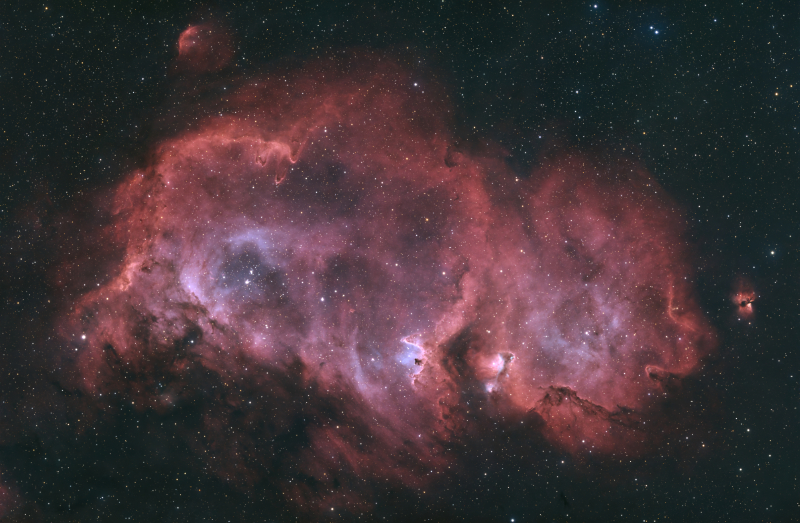
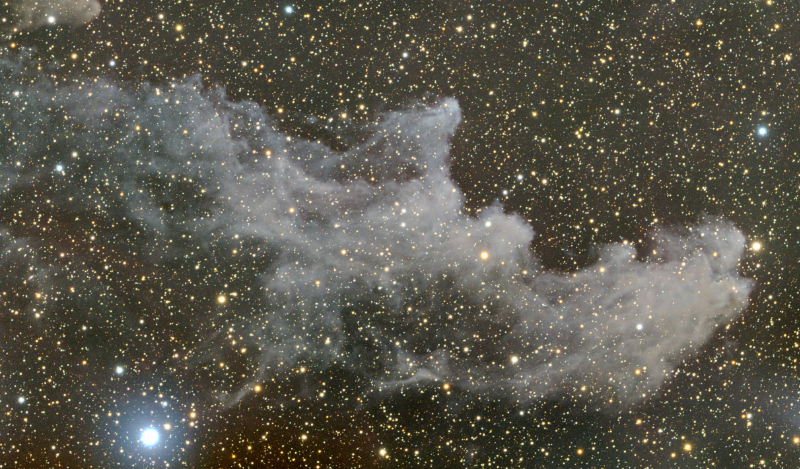
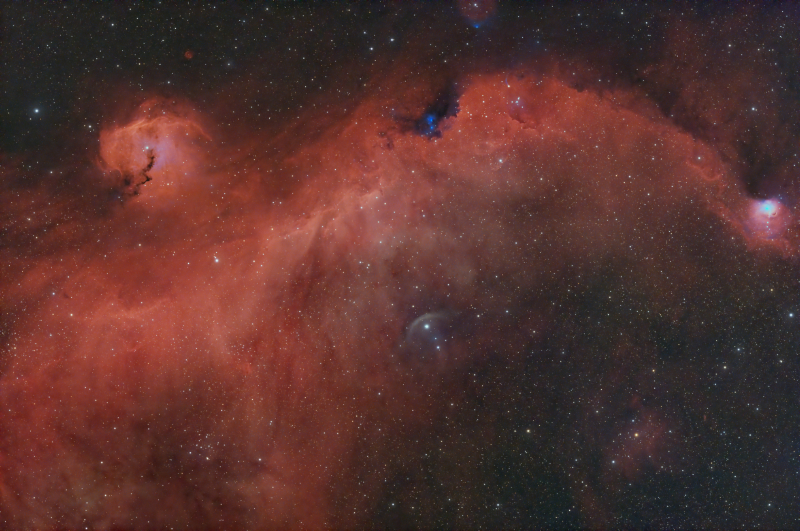
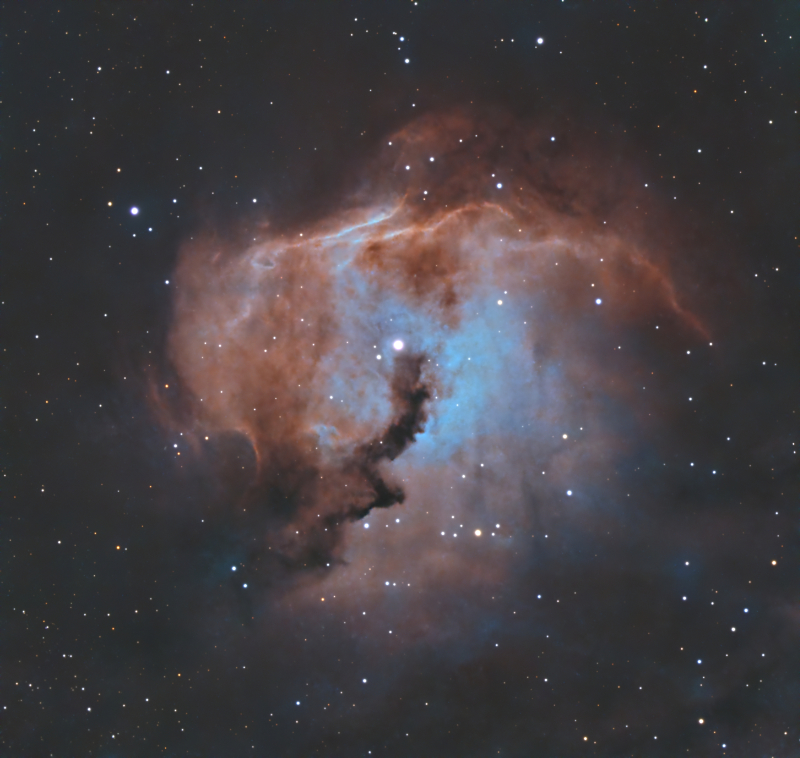
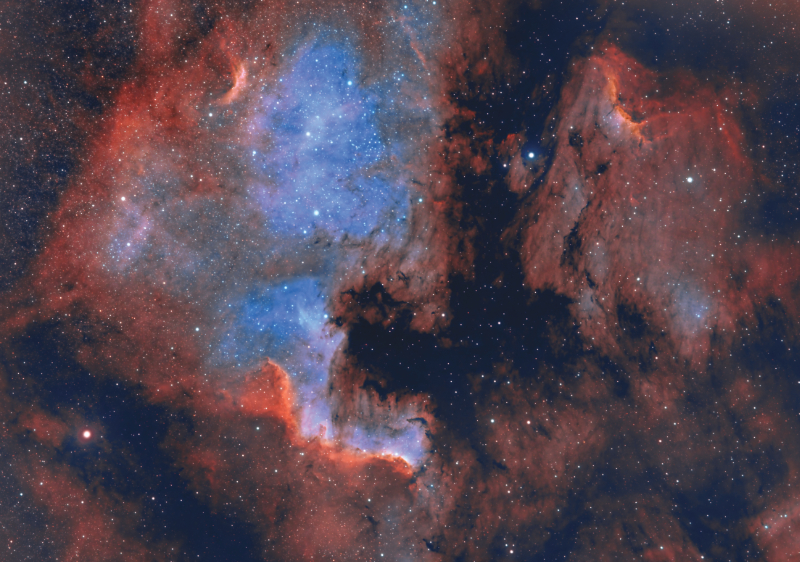
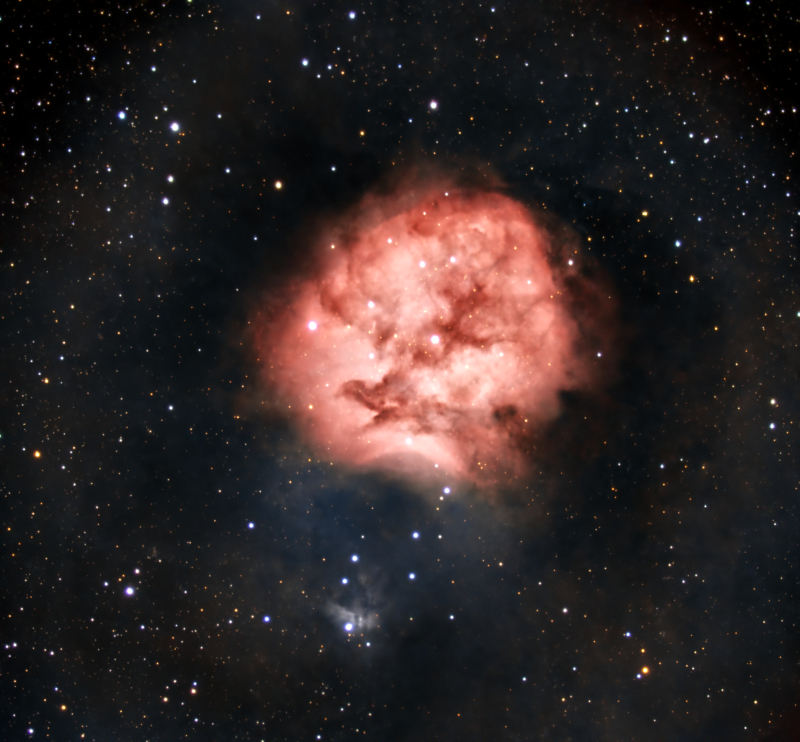
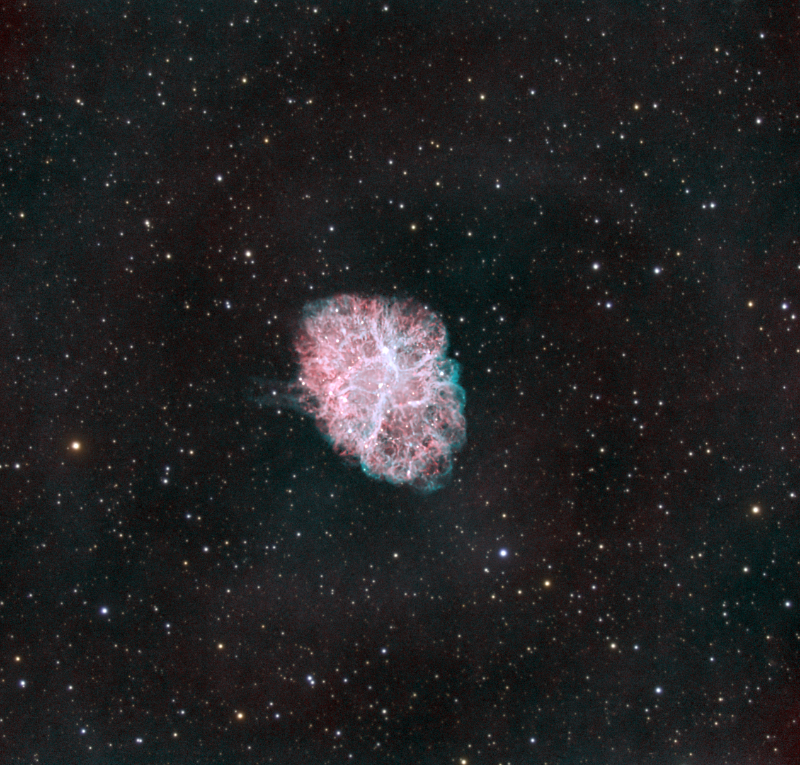
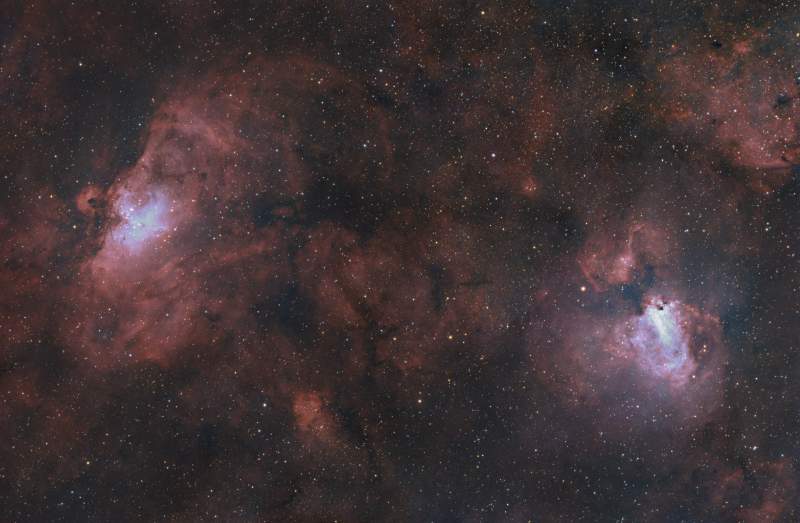
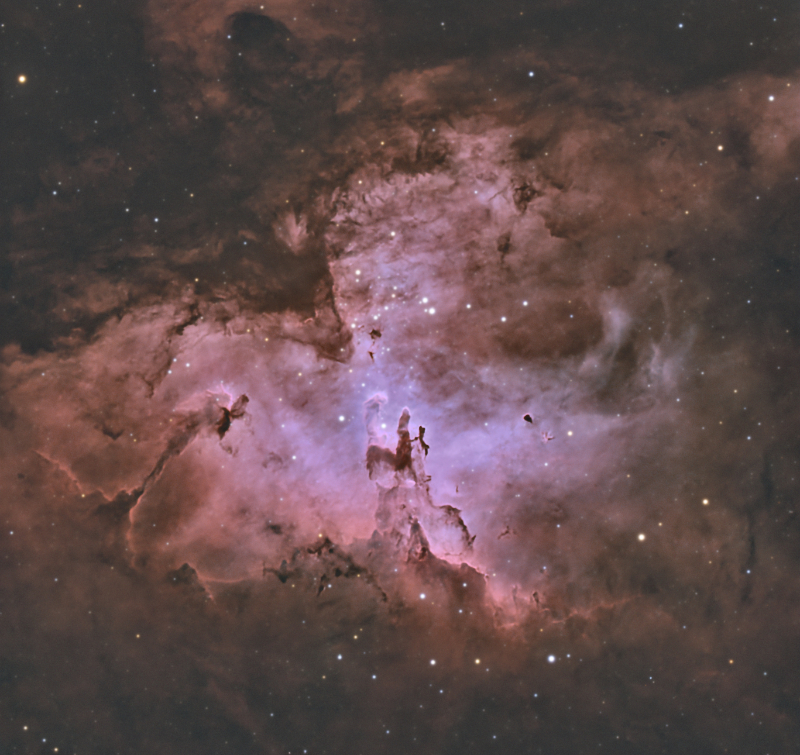
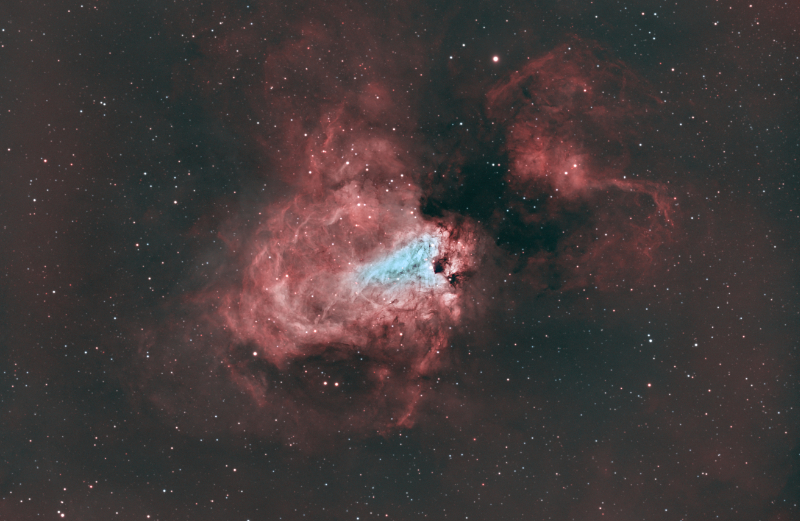
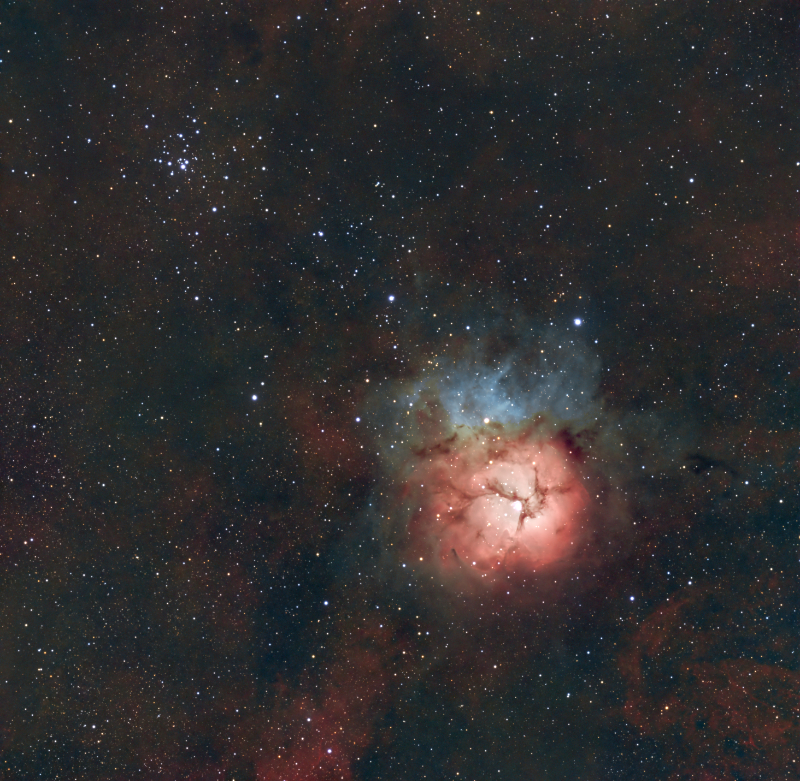
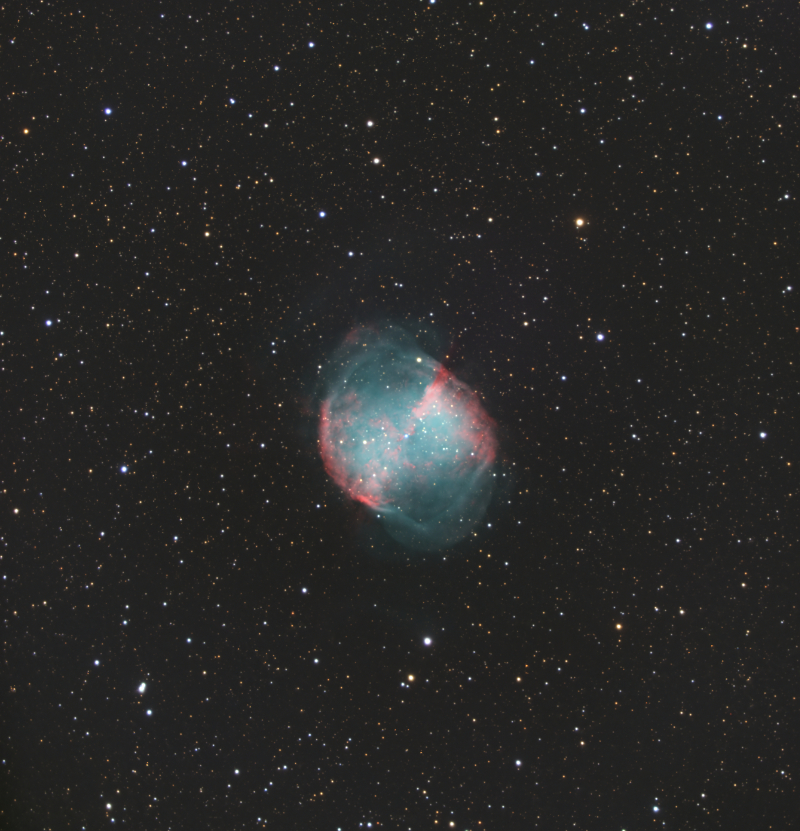
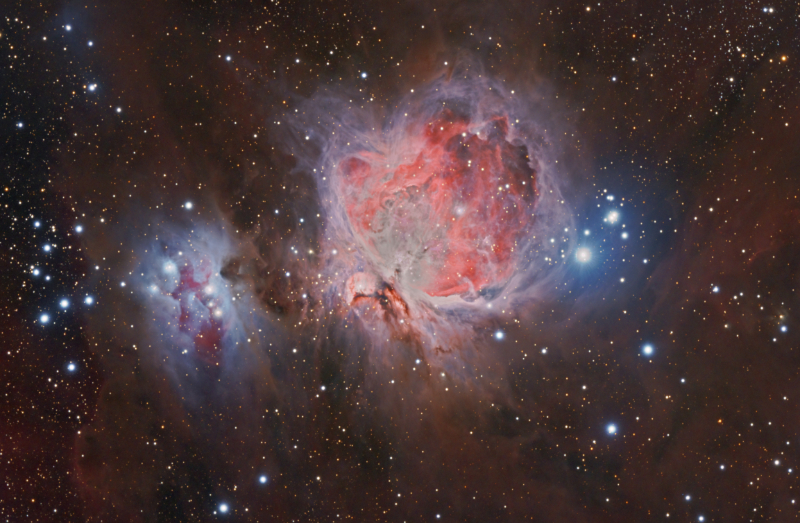
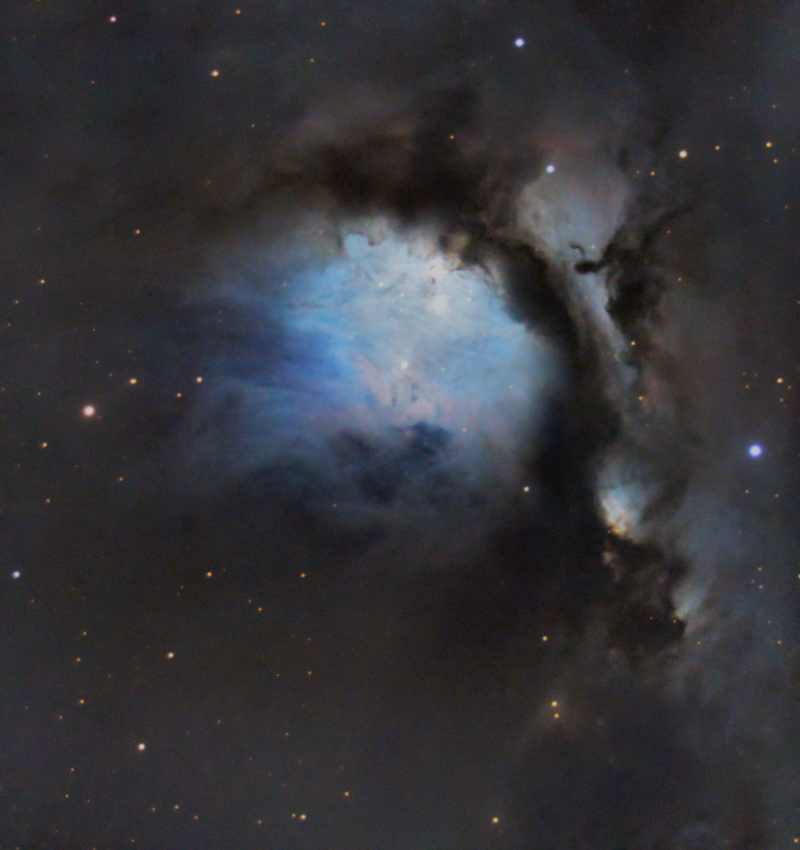
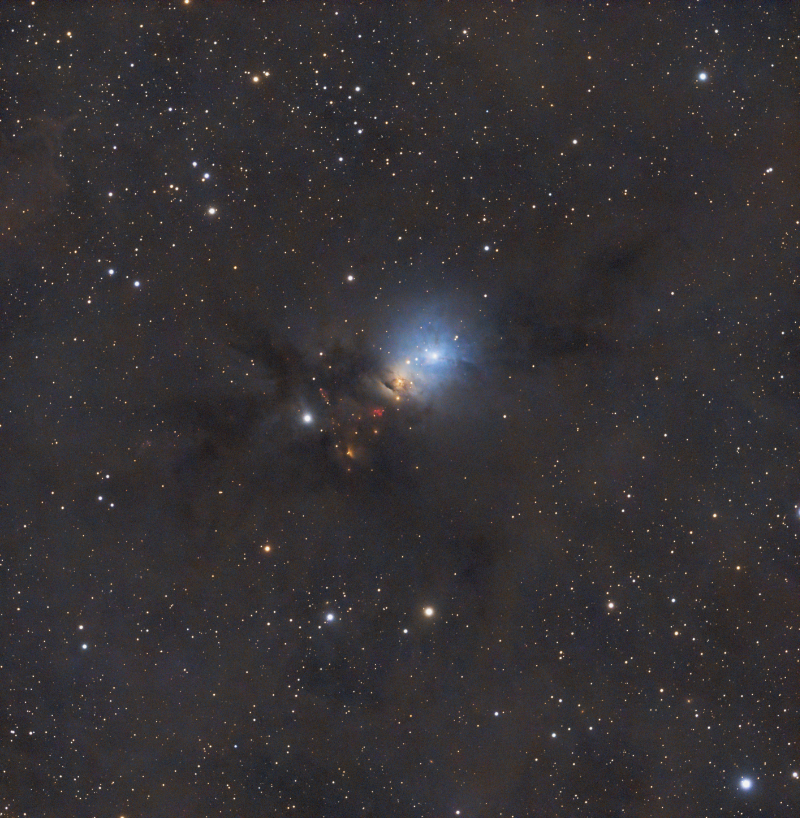
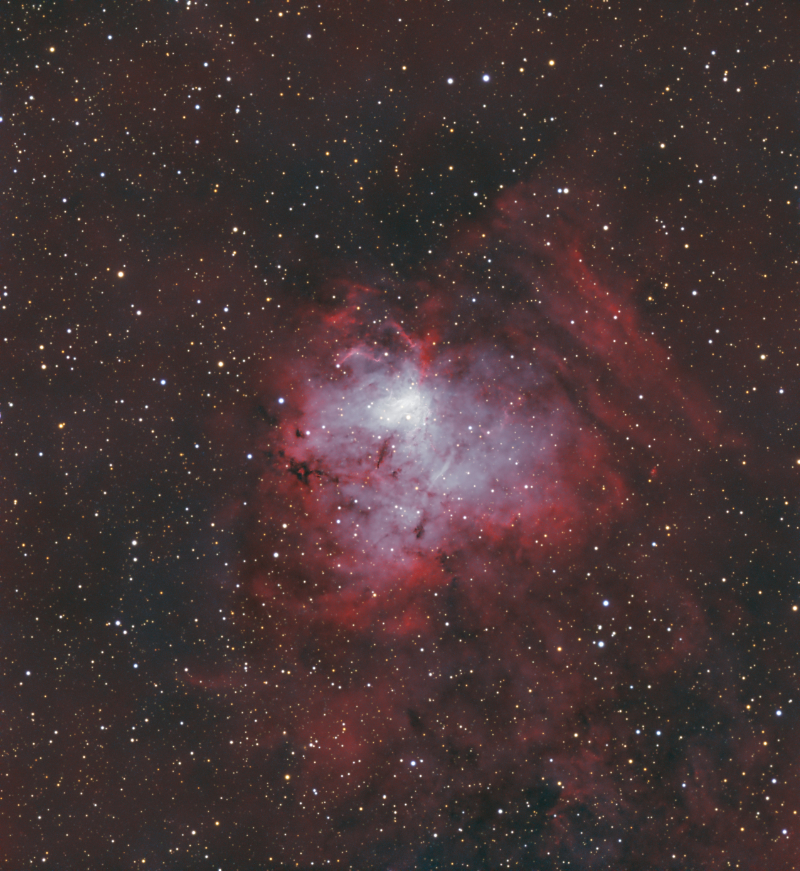
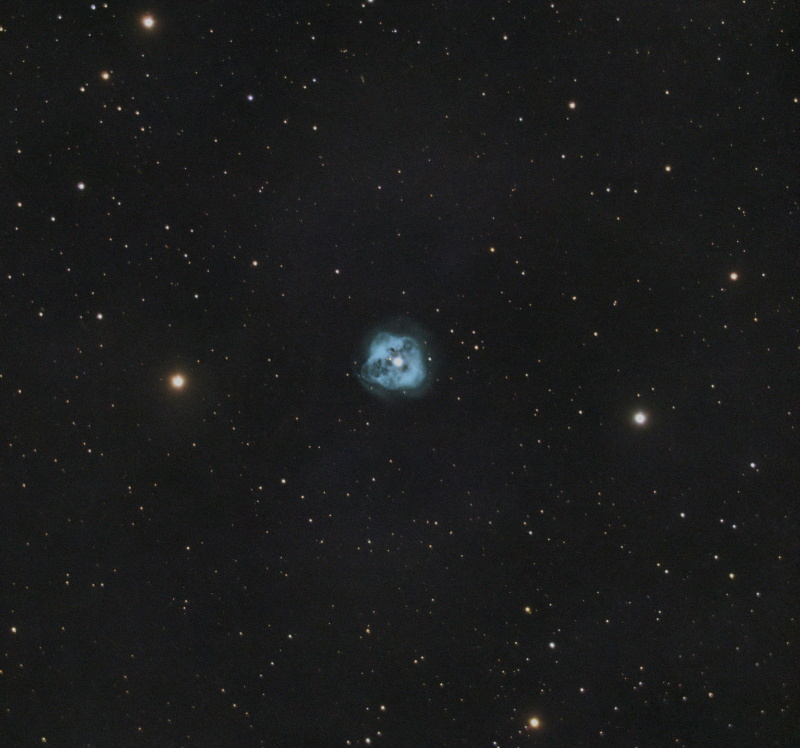
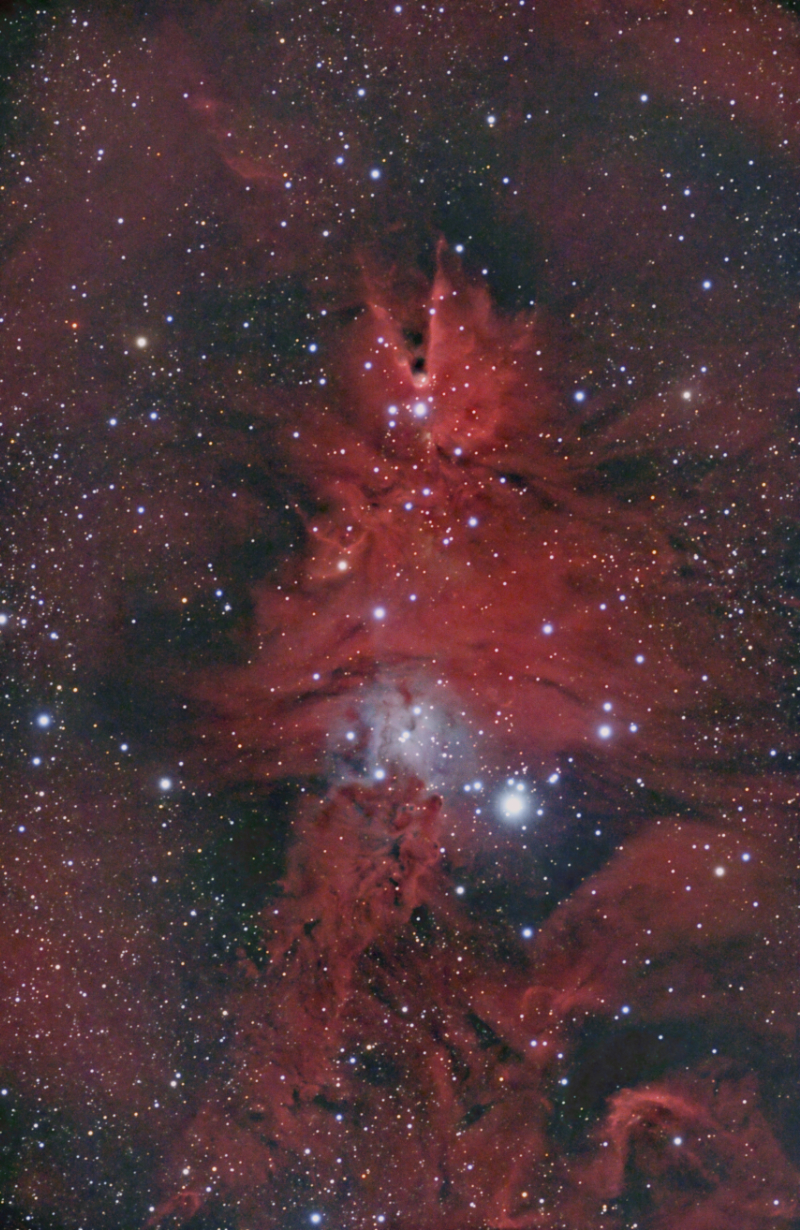
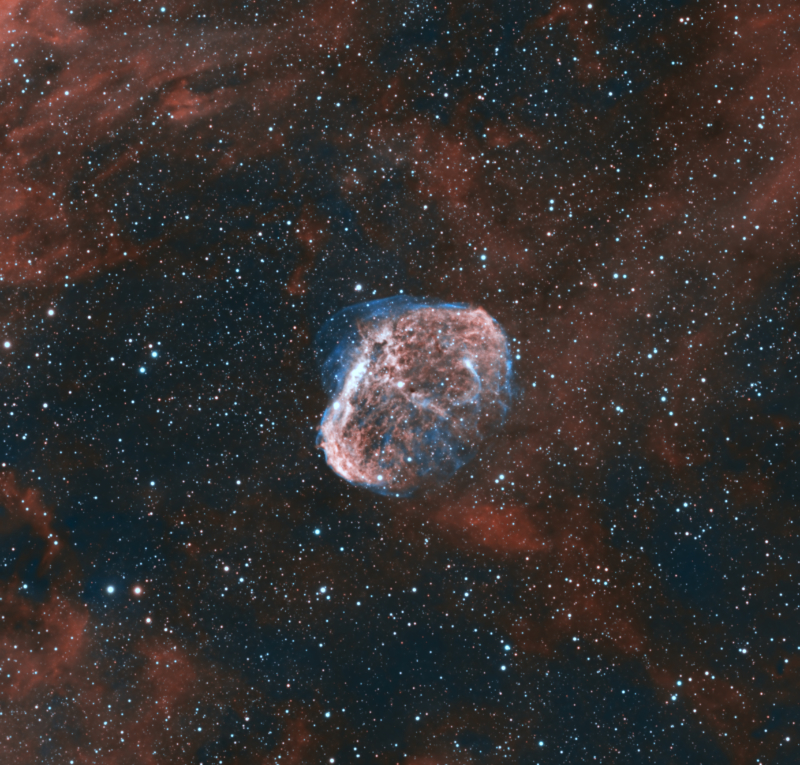
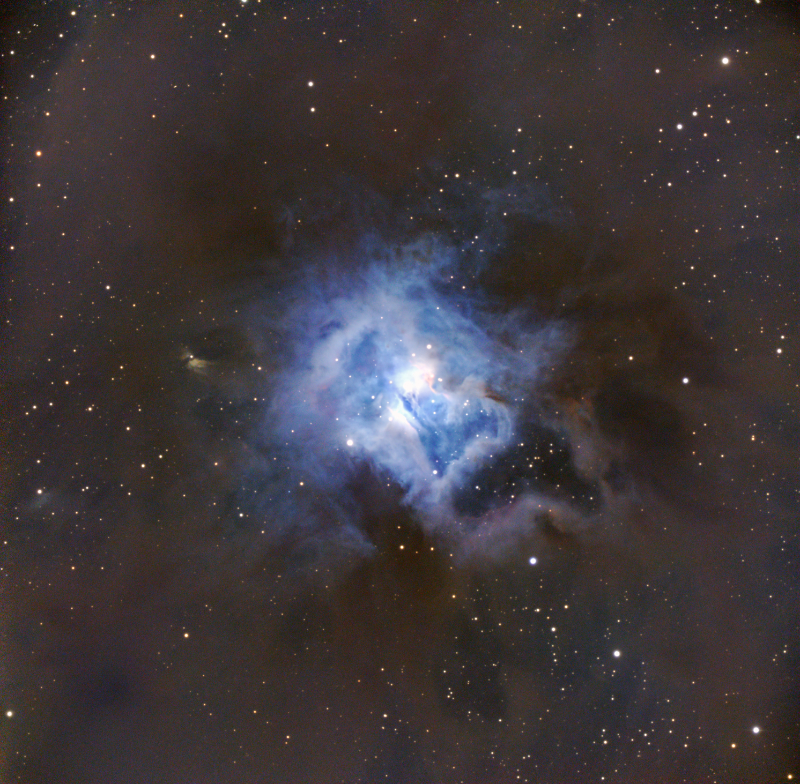
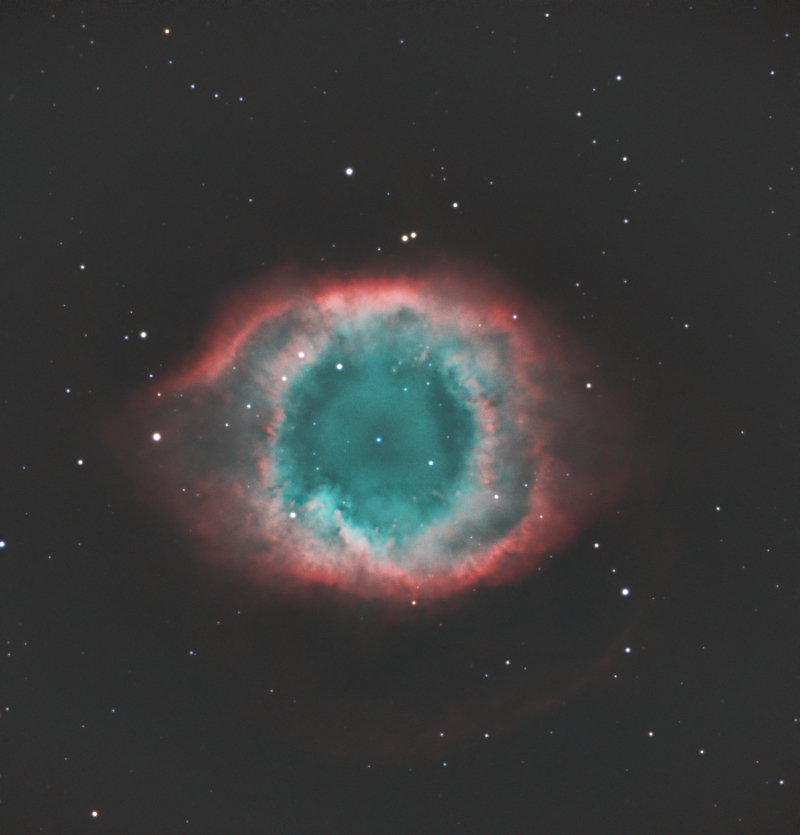
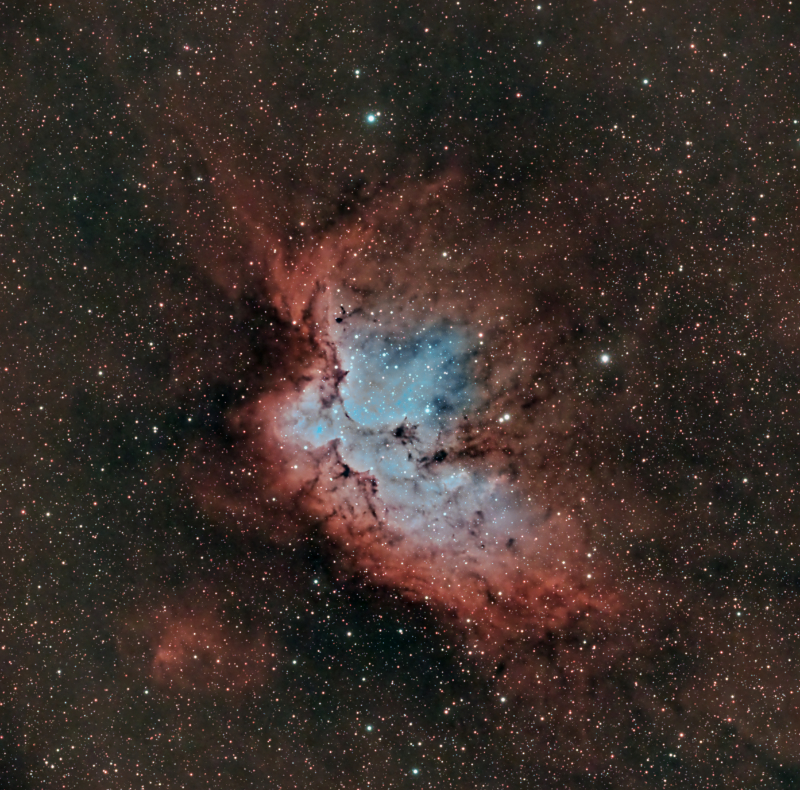
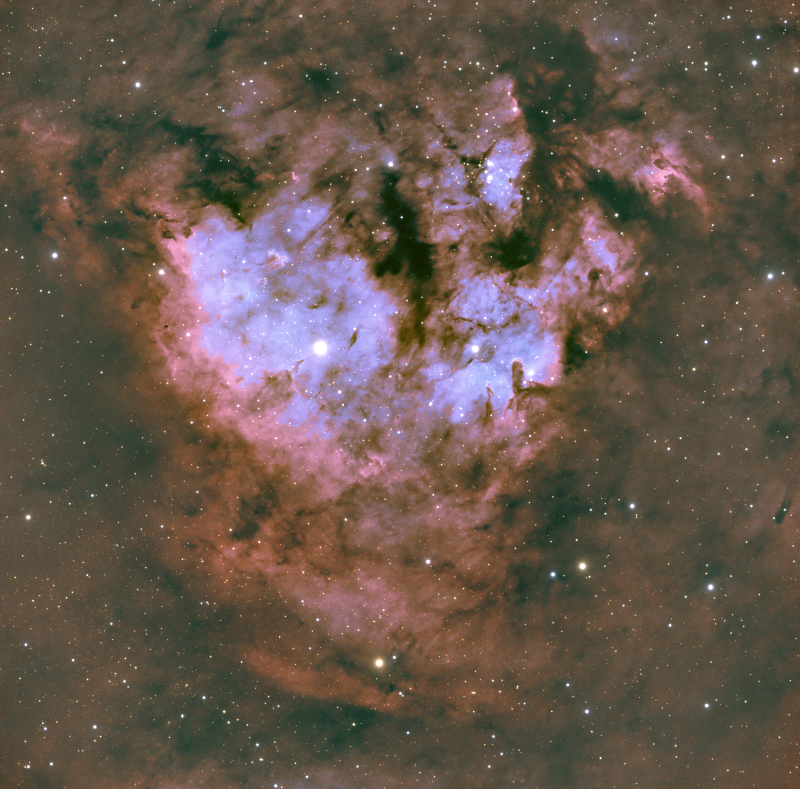
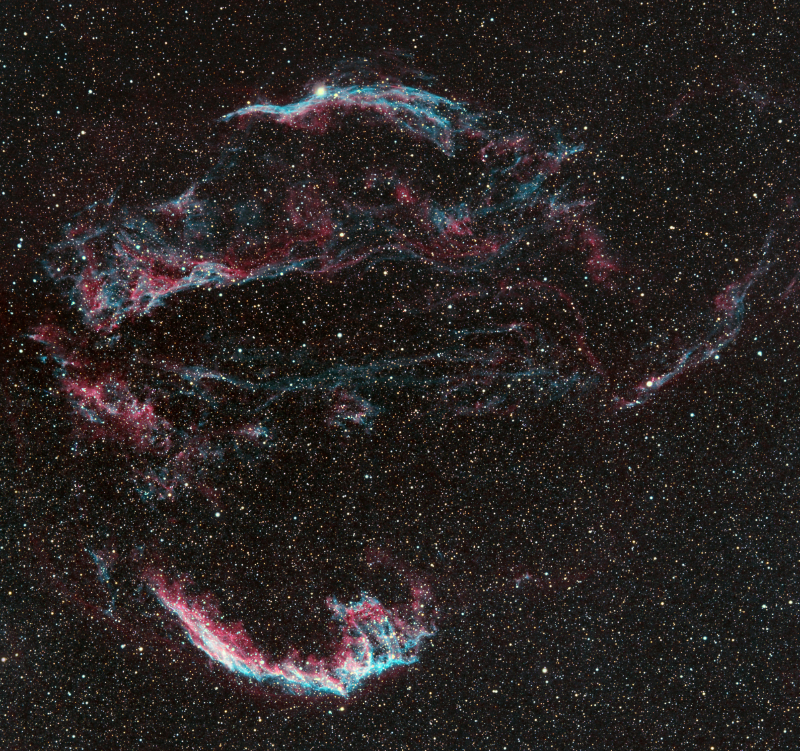
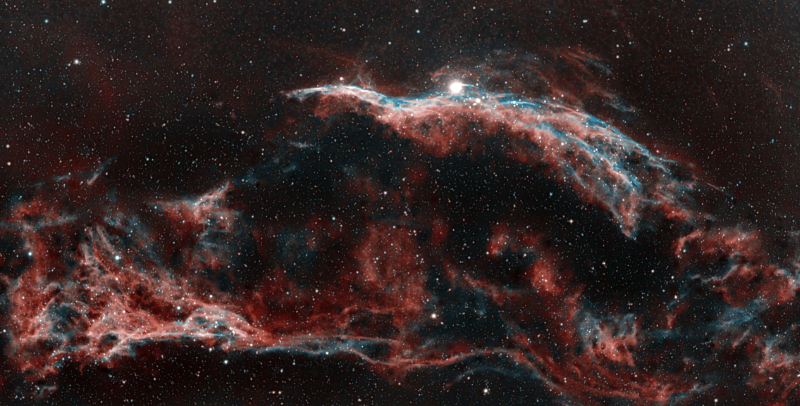
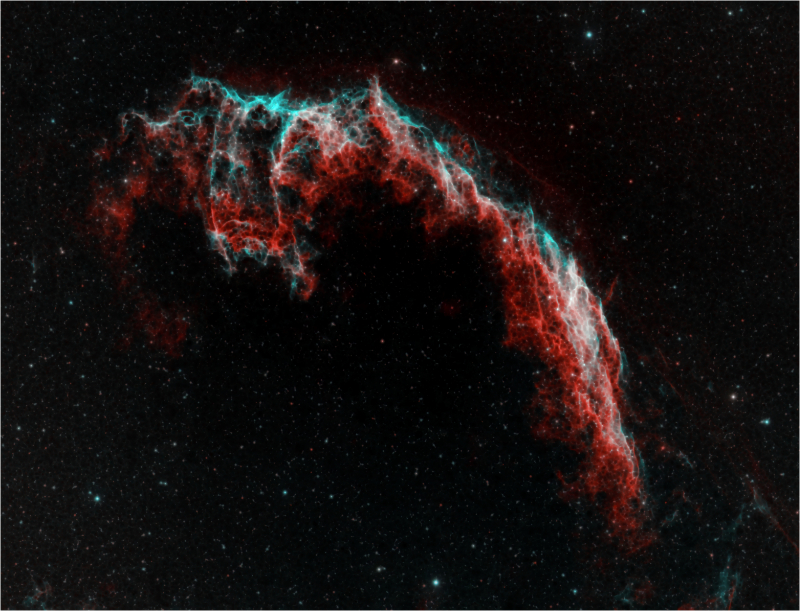
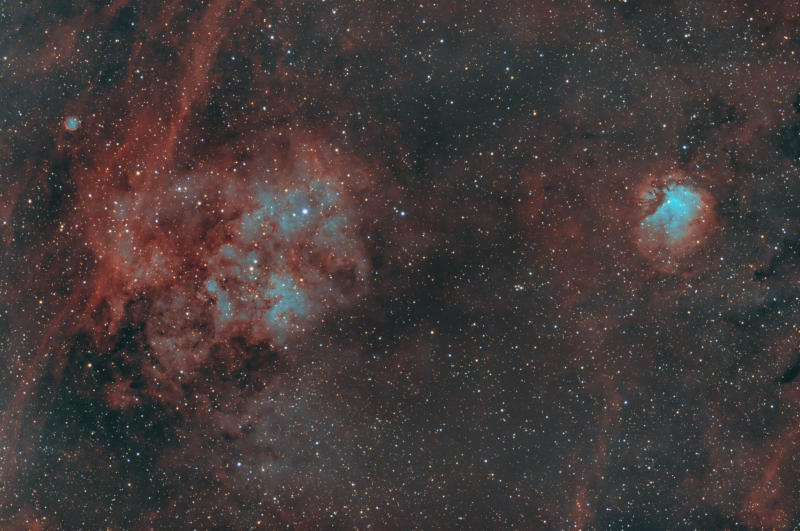
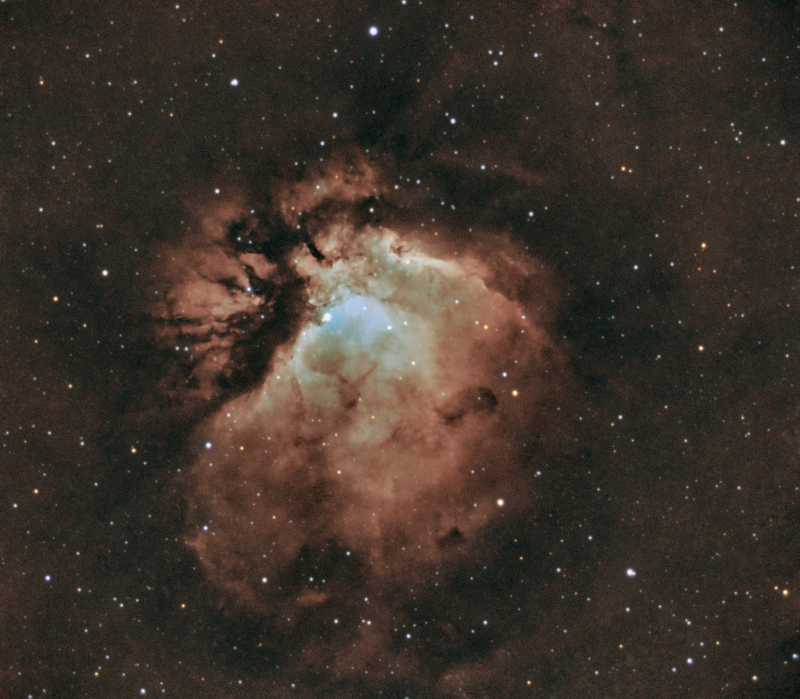
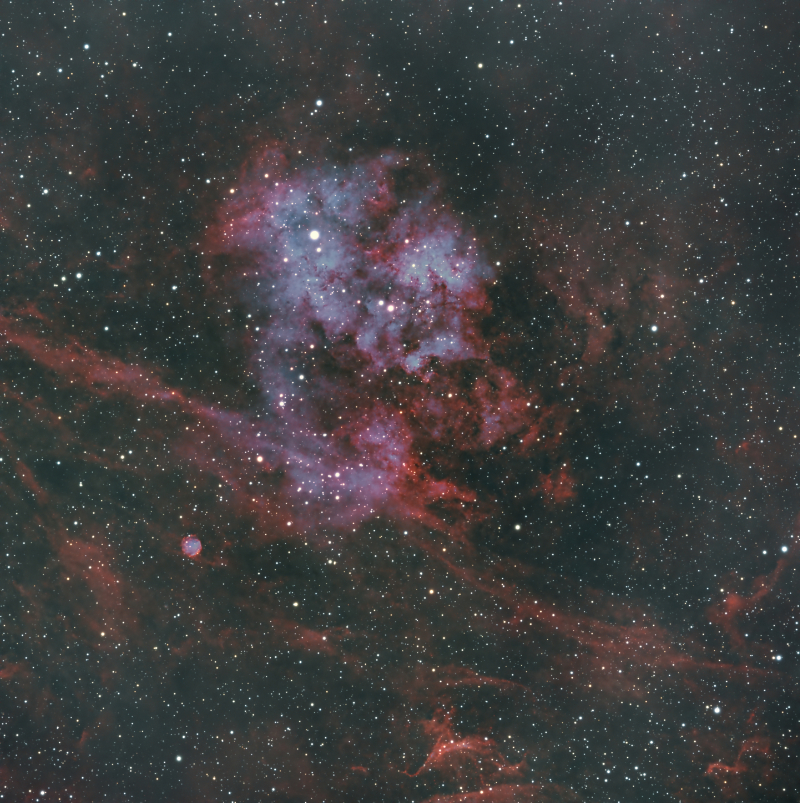
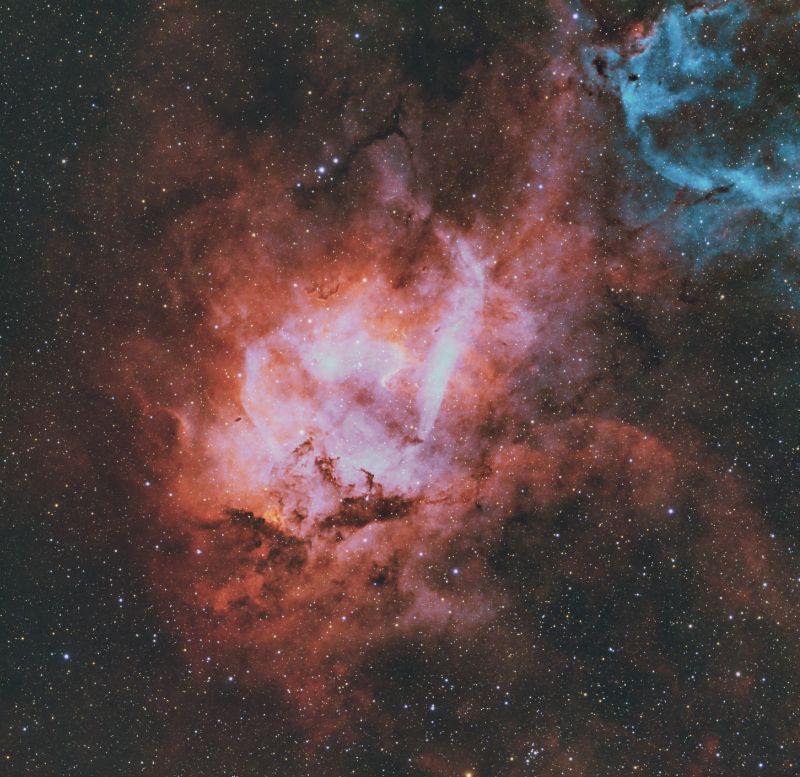
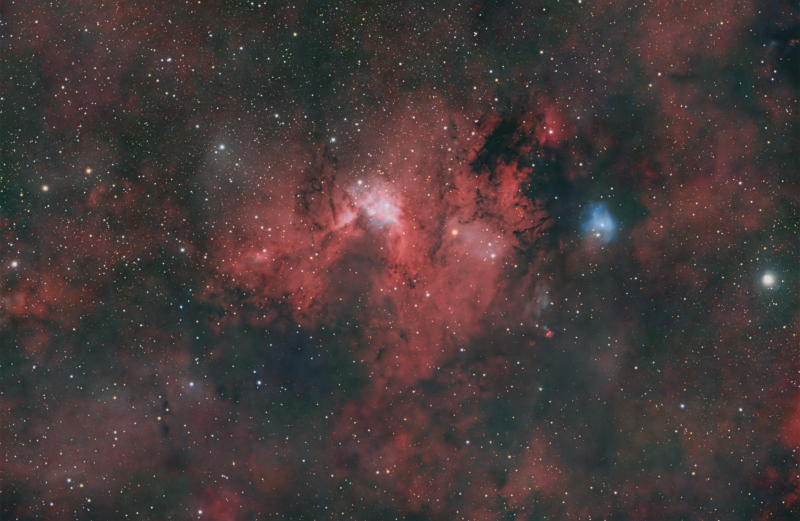
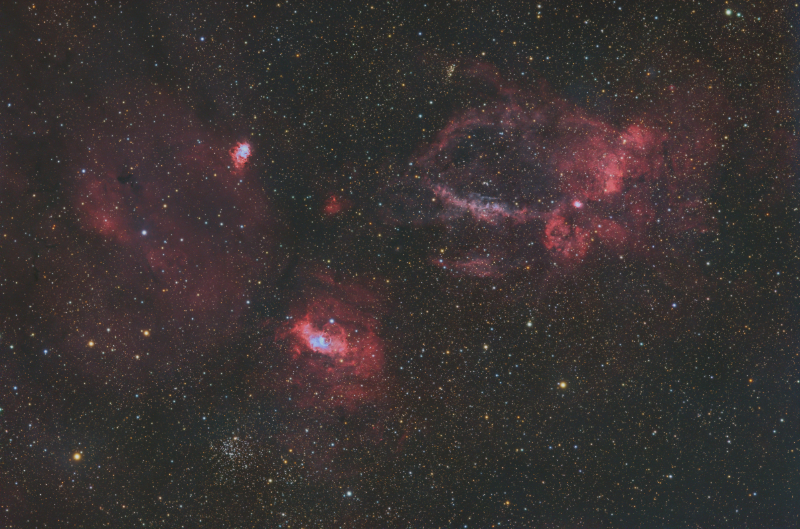
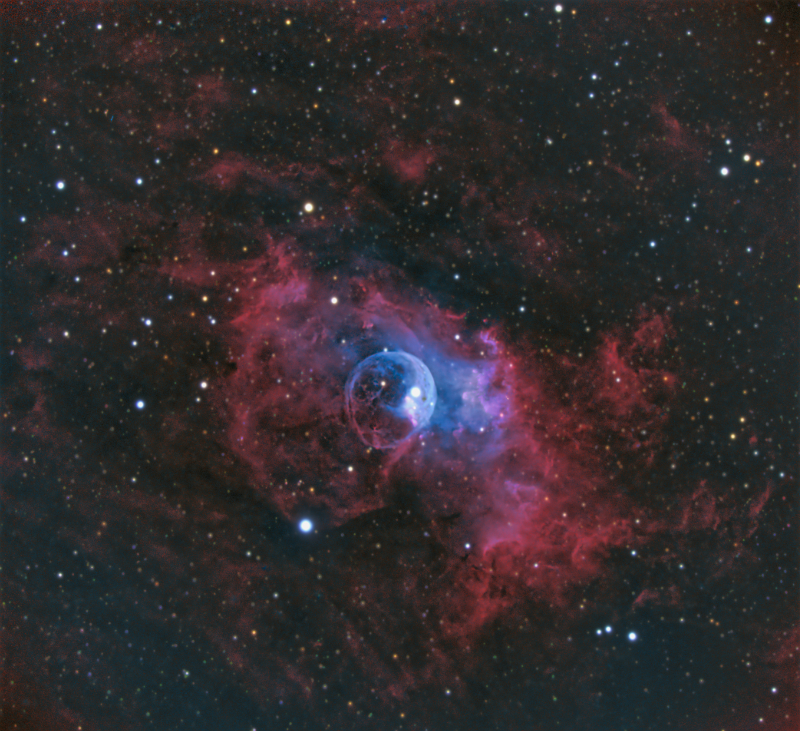
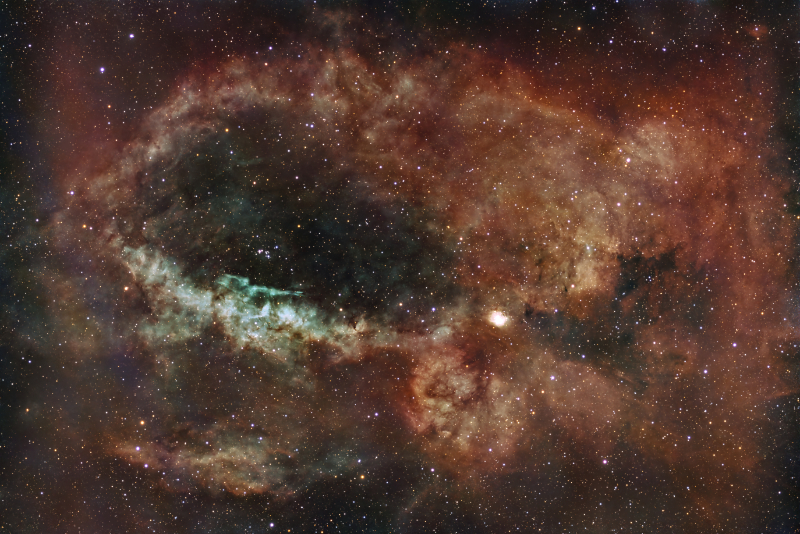
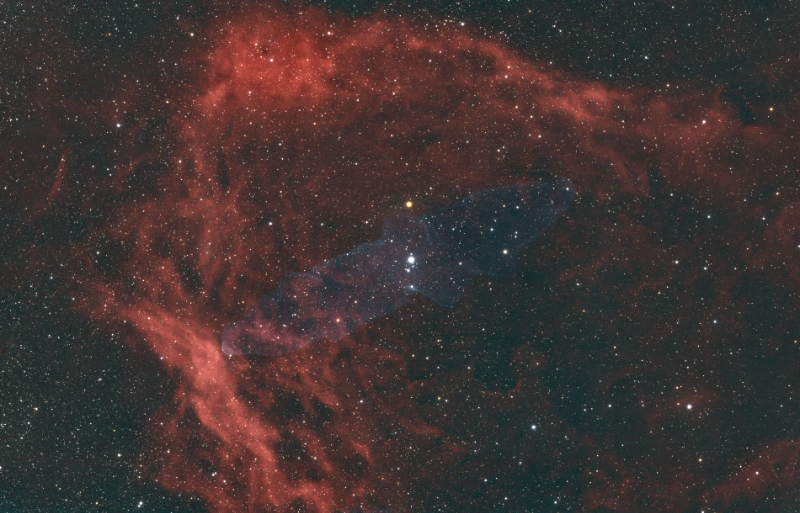
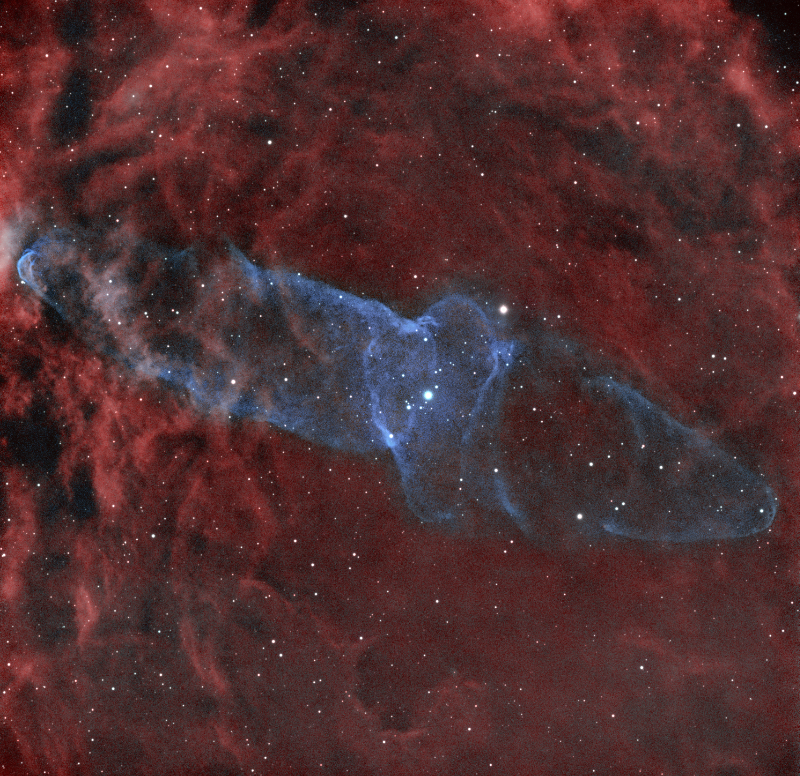
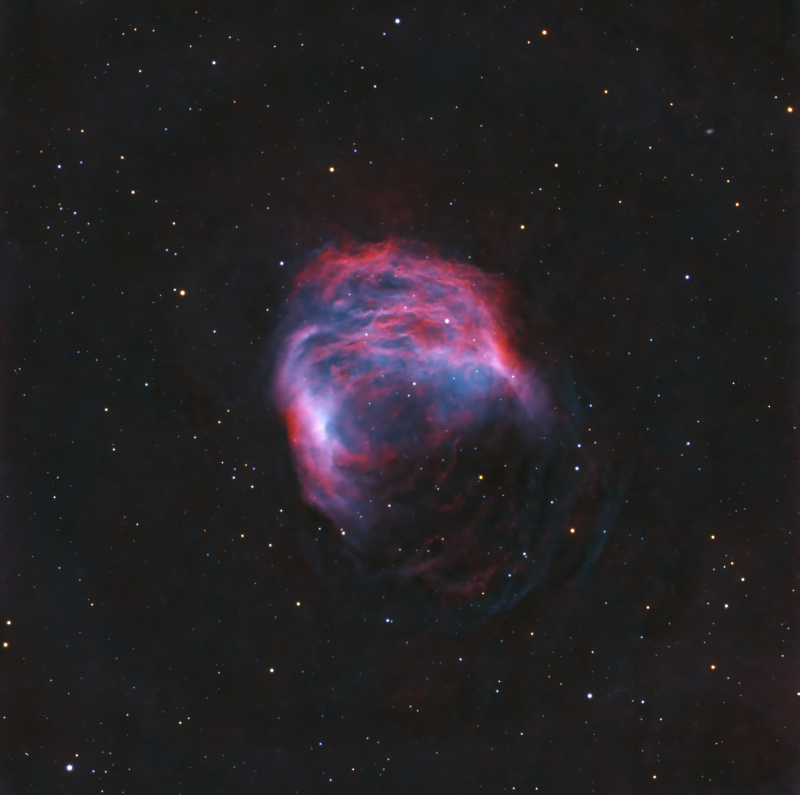
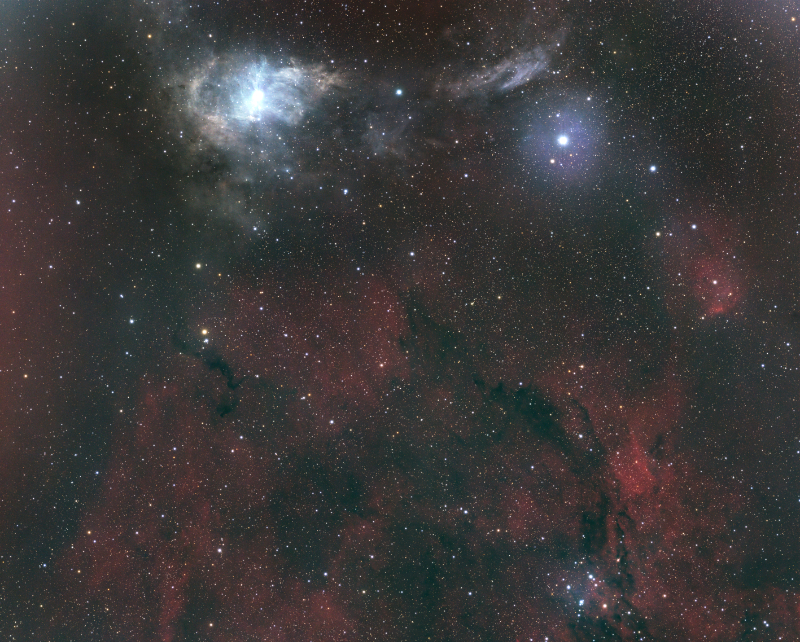
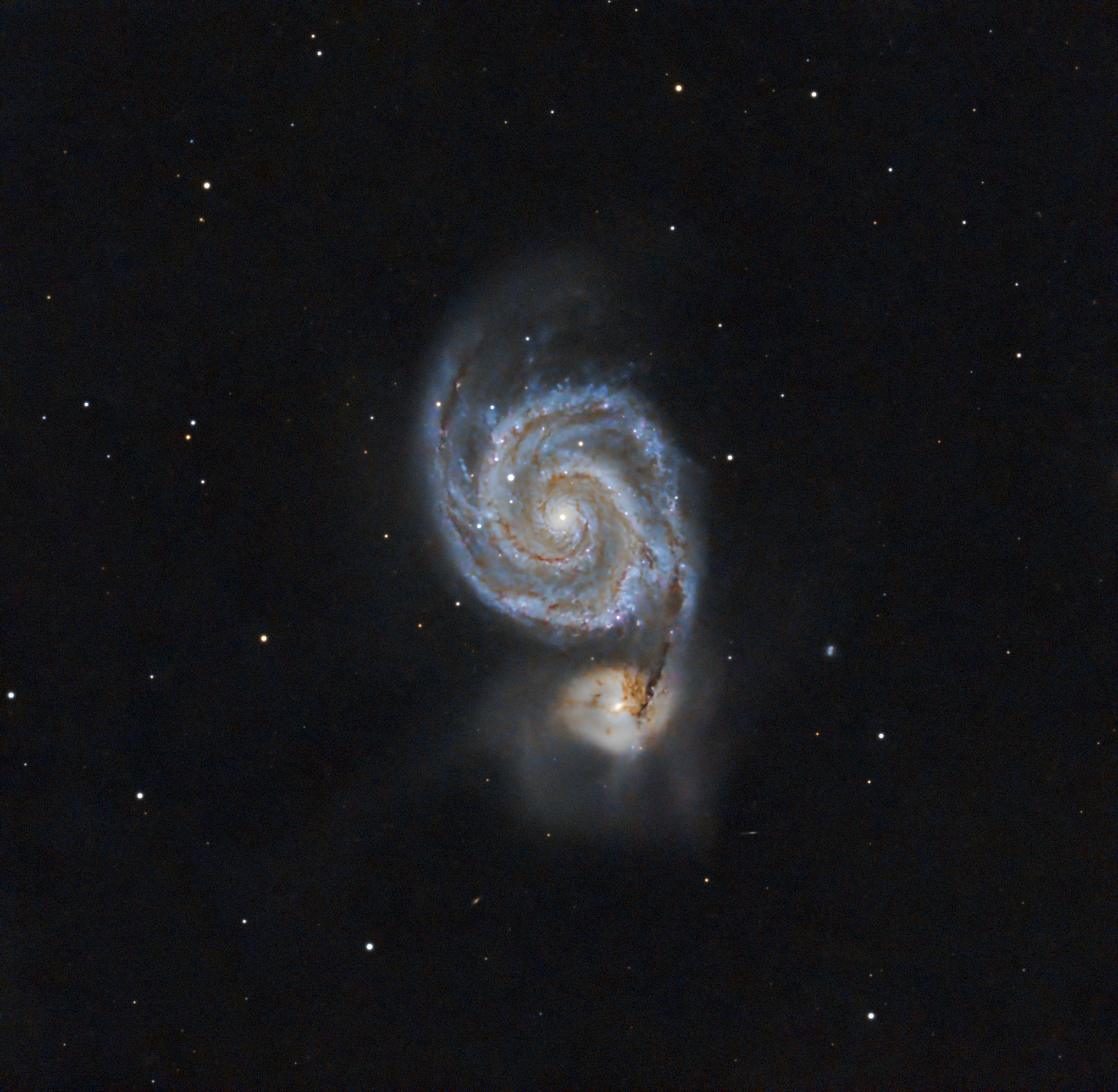
Each image is described by it catalogue identification. Most are named after an astronomer who identified and catalogued the target. Some targets are found in more than one catalogue. Below are the most common:
In my article Astrophotography Equipment I didn’t delve into the difference between taking pictures of deep sky objects versus terrestrial photos such as landscapes or portraits. So I need to start this page off with some comments.
Consumer grade astrophotography cameras use off the shelf sensors, mostly made by Sony. These sensors capture what we can see. Which to be honest isn’t a lot when viewing the night sky, other than a lot of stars and a few larger objects.
However, digital cameras are light buckets. They capture photons. Lots of them. The longer the exposure, the more photons we collect. Even though we may not see all the details in a picture, the data is there. We just need to coax it out.
It should be somewhat obvious that if we take an 8 hour exposure, we will capture much more data (information) than if we take a 60 second picture. The only problem with an 8 hour exposure is a gust of wind, and airplane crossing in front or even satellite will ruin the picture. But there is a trick to collect the data . . .
Integration Time
As it turns out, if we take 480 one minute exposures ( 8 hours) and stack them one on top of the other, we will collect the same amount of data as we would with a single eight hour image. Thus we over come the difficulty of wind gusts, airplanes, satellites, or other events. And if several of our one minute exposures suffer a calamity, we just discard it and use the remaining ones.
The importance of integration time
The more data (total hours) we collect the more detail we accumulate. We also significantly reduce the amount of background noise in our final product.
Strategy
With some targets I want to use different filters on the same target, especially on what we call an emission nebula that is rich in Ha and Oiii gases. We really can’t see these very well but we can with special filters.
My strategy with these kinds of targets is to take a series of images with one filter and then stack all of them into a single master. Then take images with the second filter and stack them all into a second master picture. I can then combine the two master pictures into one final picture. It sounds complicated, but it’s not. I explain more as we go forward.
UV-IR Cut Filter for most targets (these are usually 60 second exposures)
Dual Narrowband Ha / Oiii filter (these are usually 5 minute exposures)
Integration
Integration is stacking all the individual images (we call these “sub” because each is a subset of the final product). With special software we can do even more than this when we stack all the subs.
Astro Pixel Processor (APP)
For integration I use a program named Astro Pixel Processor by Aries Productions. Below are some of the things it does aside from stacking images:
Calibration: APP subtracts and corrects sensor imperfections: It removes hot pixels and any amp glow from the sensor’s electronic circuitry. Corrects uneven field illumination between subs. Normalizes exposure differences.
Normalize Backgrounds: Equalizes background brightness between subs. Removes gradients from light pollution or moonlight. Matches sky background levels across sessions from multiple nights.
Integrate (Stack) Images: All calibrated, aligned, normalized frames are stacked into one master image.
And so this is how I take pictures of the same target over multiple and create a single master image.
Alas, this isn’t then end of the job. We need to go on do a lot of post-processing after the Integration step.
Post-Processing
This often takes a lot of time depending on the target. It also moves away from “science” and into the realm of “art.” Once we start manipulating our master image it becomes our interpretation. So let’s start out with a target I did in September 2025 — the Soul Nebula, which is an emission nebula — meaning I used two different filters:
L-enhance Dual Narrowband Ha/Oiii Filter: 360 X 300sec 94 gain (30 hours)
Optolong UV-IR Cut Filter: 90 X 120sec 94 gain (3 hours)
Total Integration: 33 hours
There’s a lot of data in the master image from the Ha/Oiii filter — 30 hours. So I’want to take a quick walk through of what we start out with and what we end up with using the Dual Narrowband Ha / Oiii stacked image.
Stretching the image
In astrophotography post-processing, stretching is the process of redistributing the brightness values in an image so that very faint celestial detail becomes visible without blowing out the bright parts.
It’s one of the most important—and most misunderstood—steps in deep-sky image processing.
Why stretching is necessary
Astrophotography cameras record data linearly:
Most of the signal from faint nebulae and galaxies is packed very close to black
Bright stars and cores occupy a tiny fraction of the data range
If you displayed a raw stacked image:
It would look almost completely black
The object is there, just hidden in the lowest few percent of brightness values
Stretching makes that hidden signal visible.
PixInsight
For post-processing I use the software program PixInsight by Pleiades Astrophoto. It does much, much more than stretching, but we’ll just stick to stretching for this article.
A single sub
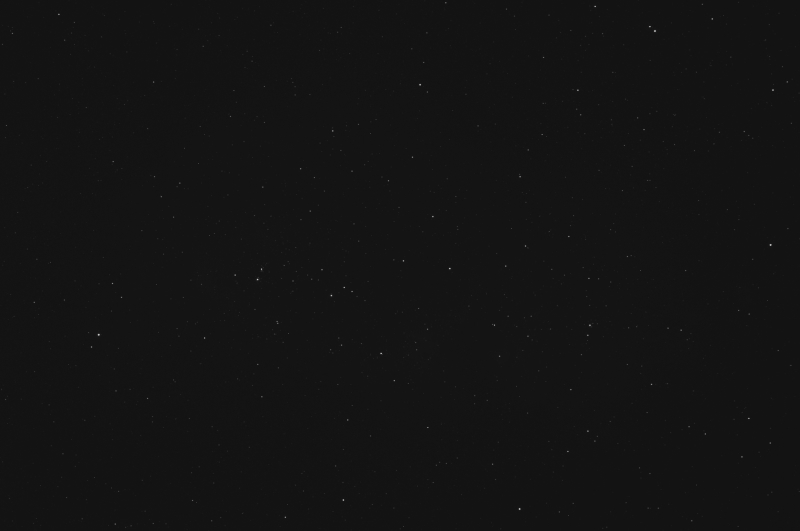
I want to start with a single sub (image) as an example. This one is a 5 minute exposure. There is little to see other than a few stars.
This is a single image of the Soul Nebula. It has NOT been stretched yet.
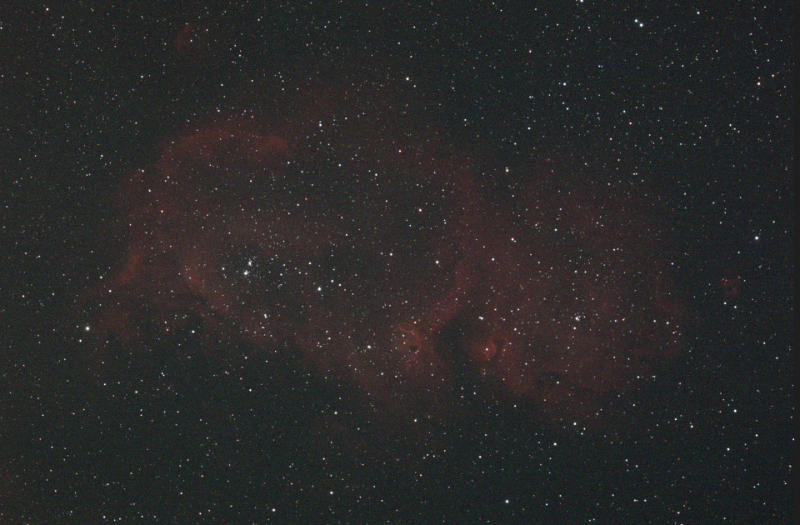
Now let’s stretch the image and see what we get. There is some faint red cloudiness that is mostly Ha. Not a spectacular product, to say the least.
This is a single image of the Soul Nebula. It HAS been stretched.
The 30-hour narrowband stack
First up is the un-stretched master image. Most people are surprised that little is visible after 30 hours of exposure, and it looks about the same as a single sub.
Master frame of the Soul Nebula un-stretched.
Histogram Transformation
Using PixInsight’s Histogram Transformation tool, we can get a visual chart to show the distribution of our data.
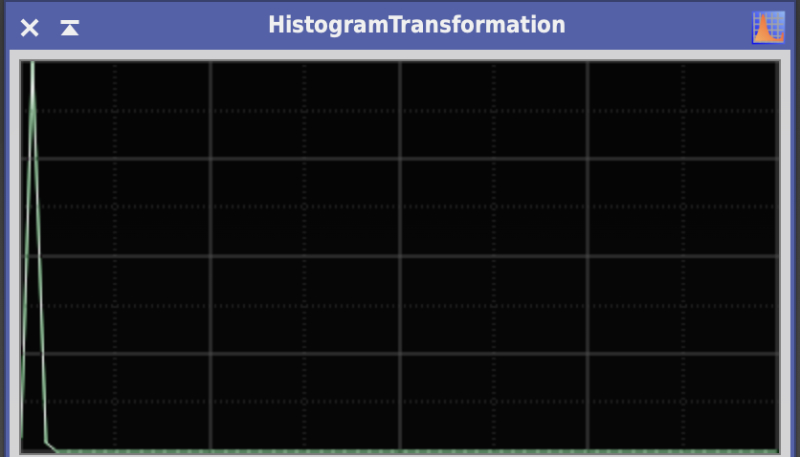
Histogram of our un-stretched Soul Nebula master image.
The far left of the chart (above) is black. All the way to the right would be pure white. As we can see the light blue inverted “V” at the left of our chart represents all the data (the Soul Nebula) that is very compressed near the black point of our histogram.
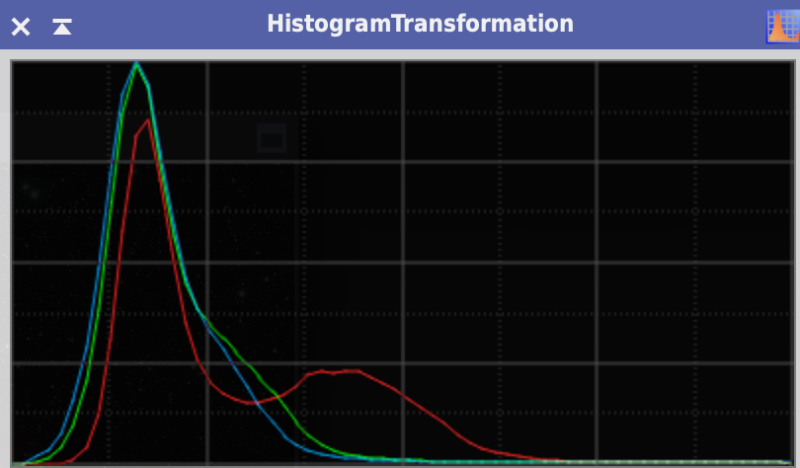
We need to stretch the inverted V to reveal the nebula. As you can see (below), the data is now widened and we can see the distribution of our three foundational color hues (red, green, blue) for computer screens.
Histogram of our stretched Soul Nebula master image.
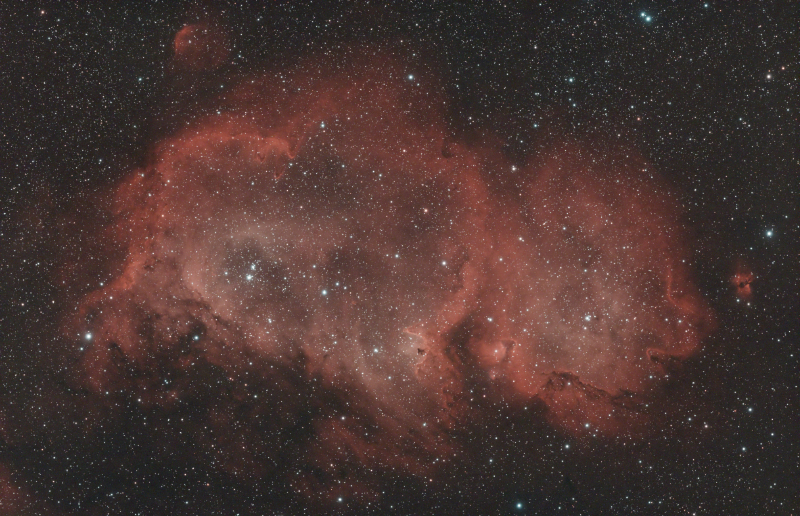
Soul Nebula after initial stretch.
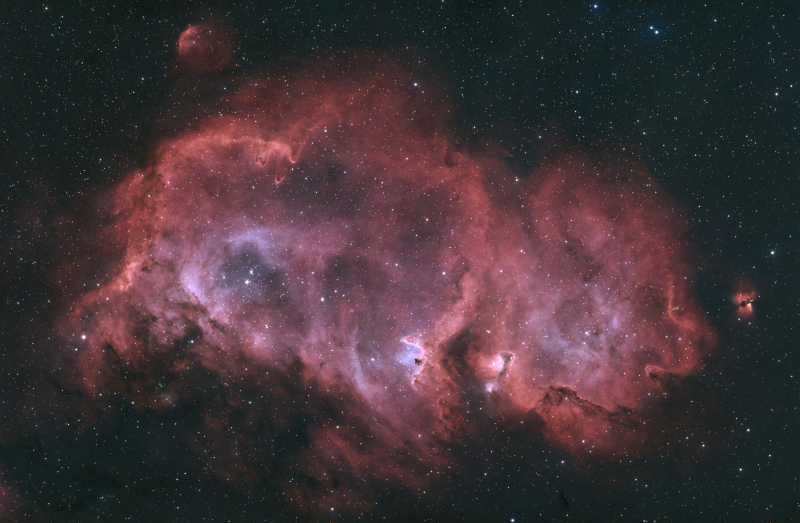
The final product
We aren’t done yet. There’s a lot more post-processing to be done. The final image with the combined UV-IR stack and the HaOiii stack took several hours to complete. I won’t go through the steps as they are very technical and long. However, the bottom line is I am pleased with the final product. Most of the reddish color is Hydrogen-alpha (Ha) gas and the blueish is double ionized oxygen (Oiii). The blueish area are star forming regions.
Nebulae are the stellar nurseries where new stars form from vast clouds of gas (mostly hydrogen and helium) and dust.
This is not mean to be a comprehensive discourse on astrophotography equipment. It is simply a high level overview of what I use to capture images of deep sky objects.
At a minimum three pieces of equipment are required: an optical tube (telescope), a mount, and a camera.
Mounts
Deep sky objects are trillions of miles away, so the mount must be able to hold the telescope securely without any vibration or movement. The next challenge is the earth’s rotation.
The Earth’s Rotation
Not only does the Earth rotate once every 24 hours, its axis is tilted at approximately 23.5 degrees from the vertical, and this tilt remains pointed in the same direction in space as Earth orbits the Sun. The result, from our vantage point, is celestial objects move from east to west in an arc over the course of a night.
If you mount a camera on a tripod to take a picture, any exposure over 15 seconds will result in star trails because of the Earth’s rotation. On the other hand, to image deep sky objects long exposures are needed.
Equatorial Mounts
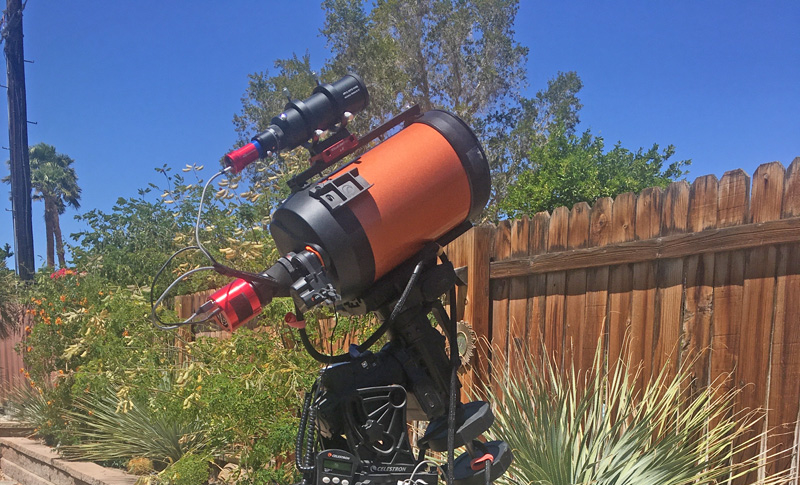
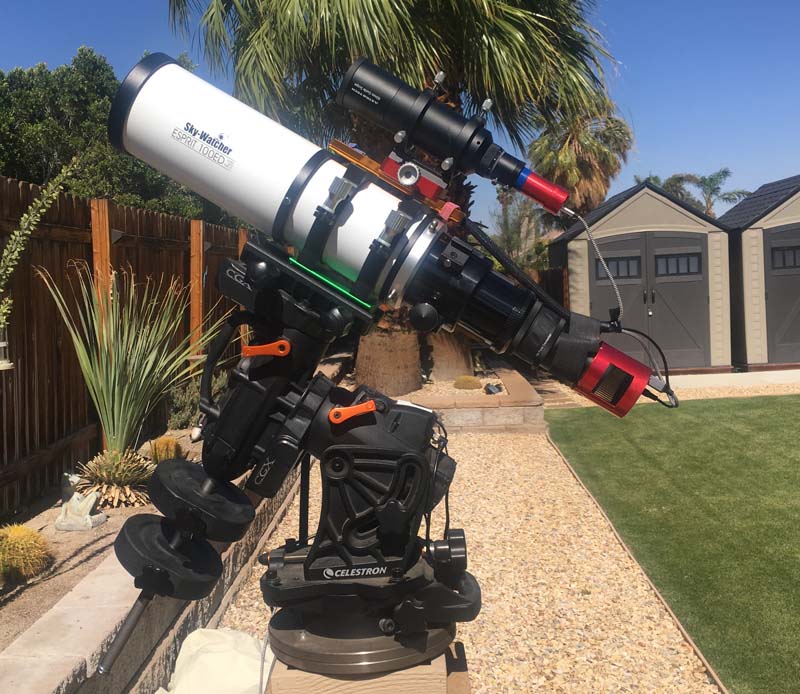
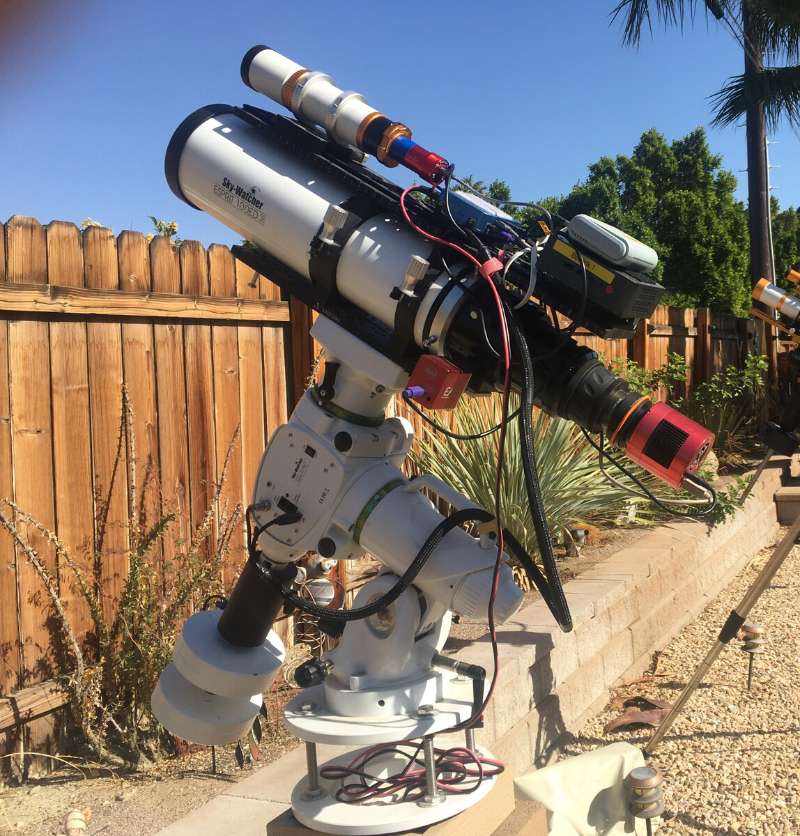
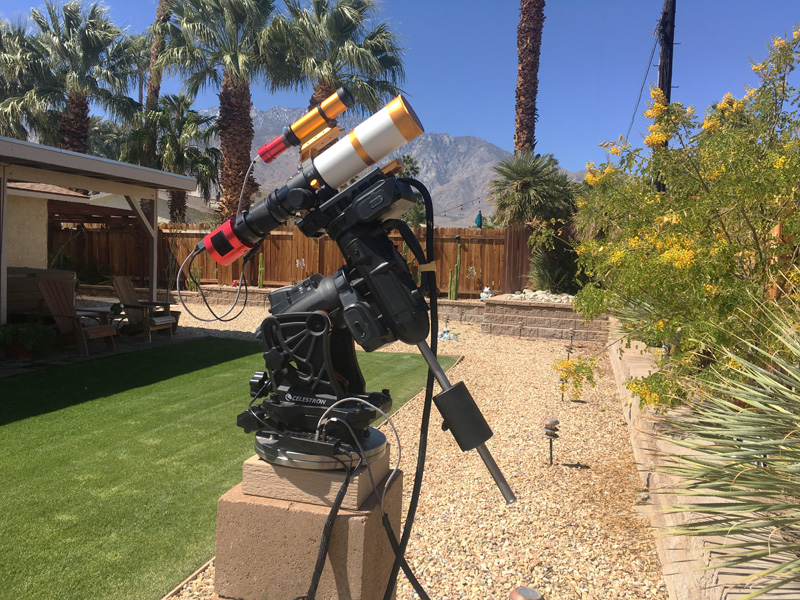
To overcome this rotational conundrum most amateur astrophotographers use a motorized mount that can be computer controlled. The mount must also to compensate for the Earth’s tilt. The solution is an Equatorial “Go To” Telescope Mount. The Go To means the mount can be controlled with a computer. I have two equatorial mounts. A Celestron CGX and a Sky-Watcher EQ6-R Pro. Most night at home I am using both mounts to take pictures of deep sky objects.
Celestron CGX Mount with Esprit 100 TelescopeSky-Watcher EQ6-R Pro with Esprit 100 Telescope
Auto Guiding
As I mentioned, a computerize equatorial mount will track deep sky objects as the Earth rotates. However to do this accurately for a period of time requires a high quality telescope mount — and we are talking about mounts that cost in excess of $10,000. My two mounts cost me about $2,000 each and cannot track as precisely as needed.
Fortunately there is an inexpensive solution — a guide scope and a guide camera.
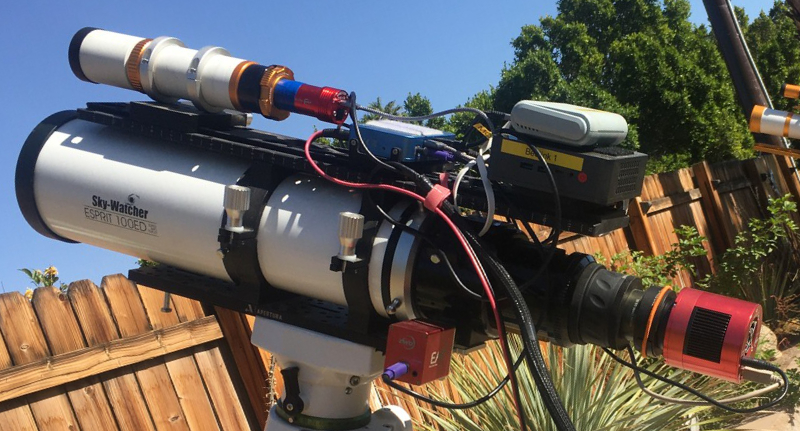
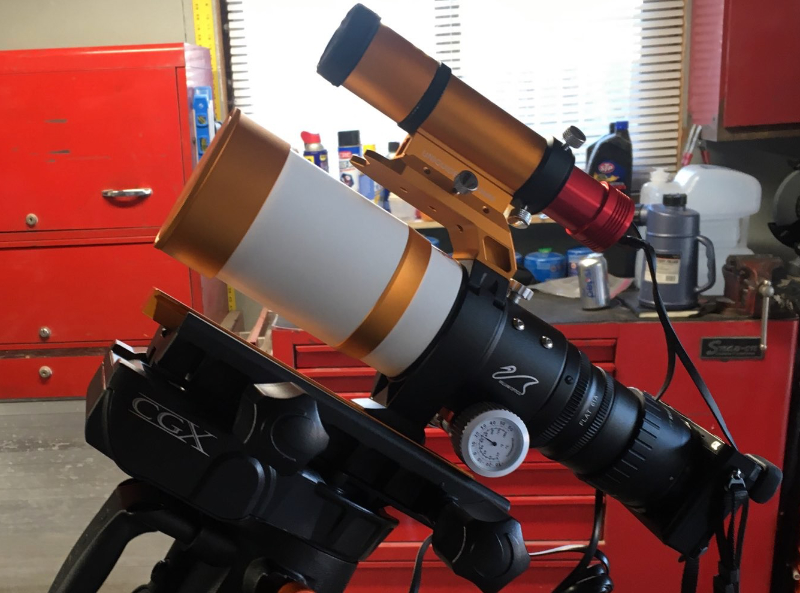
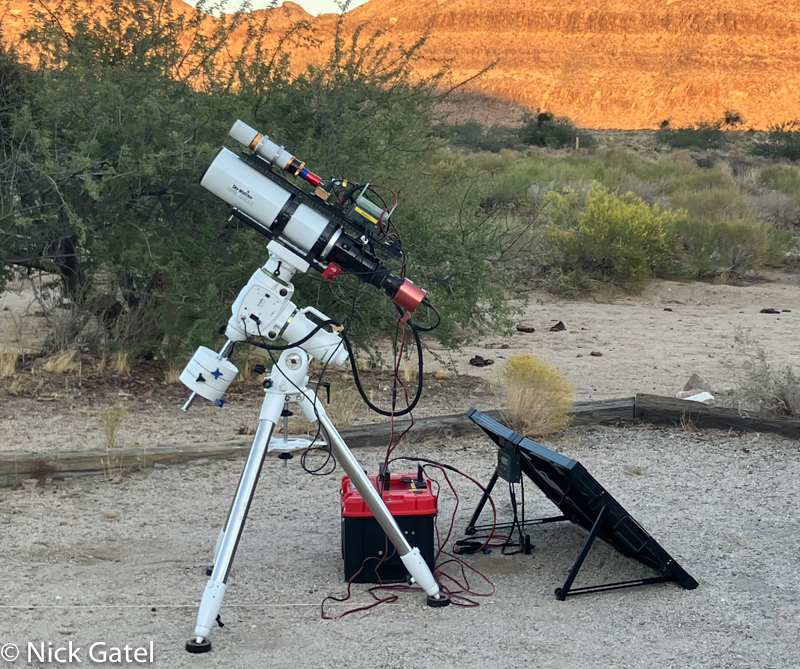
In the picture above there is a tiny telescope mounted on top of the large white scope. Connected to the back of it is a tiny camera (blue & red). This is a guide camera and guide camera.
Using a software program, a picture is taken every 1 to 3 seconds (how I set mine up) with the guide camera. If the center of a star moves at all from picture-to-picture, the software will command the mount to make minute (tiny) changes in position, which means the telescope/mount combination will track any deep sky object accurately.
Telescopes
You can just put a digital camera with a zoom lens on an equatorial mount and take pictures. For most people a better solution is an actual telescope. I have three telescopes:
William Optics Zenithstar 61ii (2.4″ diameter refractor optical tube assembly)
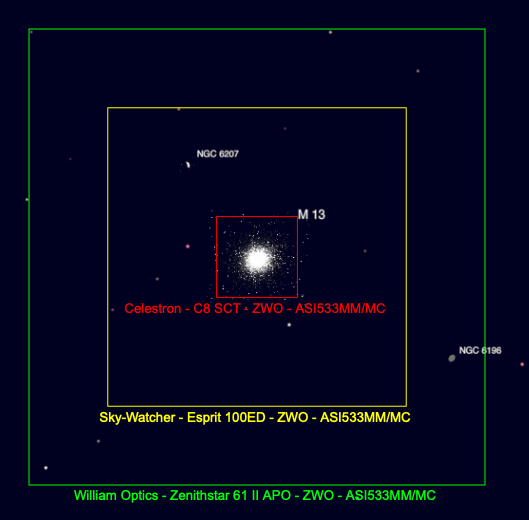
“Why three telescopes,” you may ask. Generally the greater the diameter the more zoomed in the image is. What scope I will use each night is determined by how it will be framed. Below is an example of the three scopes use the Hercules Star Cluster as an example. Using the same camera on each telescope you can see how it will be framed (see below).
As you can see, the best telescope for this target is my Celestron 8″ Schmidt-Cassegrain.
Cameras
Yes, you can connect a regular compact digital camera to a telescope. Below is my Sony A6000 mirrorless APS-C digital camera connected to the Zenithstar 61ii telescope.
Sony A6000 camera connected to my Zenithstar 61ii telescope. On top of the telescope is a tiny gold auto-guiding scope with a red guide camera attached.
What works better is a dedicated astrophotography camera, designed only to work with a telescope. These are computer controlled. Many (all of mine) have cooler/heaters inside of them, which allows a constant sensor temperature throughout the night (very important). I set mine to 32° F (0° C) every night.
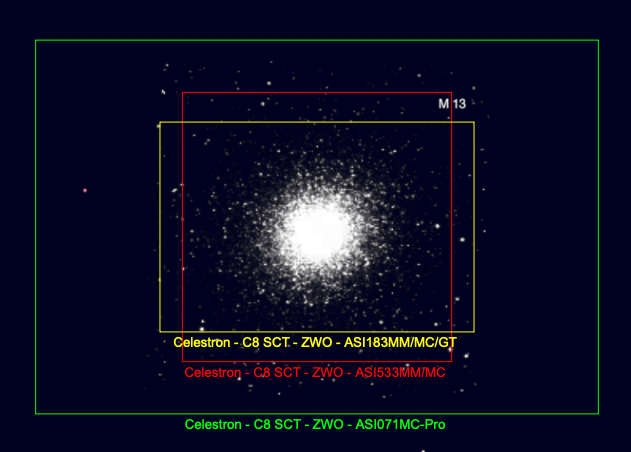
Again you might ask, “Why three cameras?” And just like my telescope, each camera is different and which I choose is dependent upon the target. Below is a simulation, again using my Celestron 8″ Schmidt-Cassegrain and the Hercules Star Cluster as the target.
All my cameras are made by ZWO ASTRO.
Model ASI071MC Pro
Model ASI183MC Pro
Model ASI533MC Pro
In this case the square ZWO ASI533MC is the camera I would use.
Filters
I always use a filter. There are two kinds of I use.
UV-IR Cut Filters
I use a UV-IR cut filter to block invisible ultraviolet (UV) and infrared (IR) light that the camera sensor captures but optics don’t focus well, which prevents bloated stars, reduces haze/chromatic aberration, and ensures sharper, more color-accurate images by letting only visible light pass through, critical for deep-sky shots.
I use Optolong brand UV-IR filters. They are reasonably priced and I am happy with the results.
Dual Narrowband Filters
Many nebulae are filled with Hydrogen-alpha and Oxygen-III gases, which are very colorful and really need special filters to see the details. Since my cameras are one-shot color, I use dual narrowband HaOiii filter when imaging what are called emission nebulae. The paragraph below is a more technical explanation.
A dual narrowband Ha-OIII filter works by carefully letting only two specific colors of light—Hydrogen-alpha (red, about 656 nanometers) and Oxygen-III (blue-green, about 500.7 nanometers)—pass through to the camera sensor. It blocks almost all other wavelengths, especially light pollution, which greatly improves the contrast of emission nebulae. This makes faint details visible even in bright skies. These filters create narrow “windows” in the spectrum, isolating the key light emitted by glowing nebulae for stunning images with one-shot color (OSC) cameras. Often, these cameras are used with specialized processing to separate the signals.
I will often combine images taken with my UV-IR filters with those taken with a dual narrowband filter. This is usually when my target is an emission nebula. I use two different HaOiii filters:
Optolong Lenhance Dual-Narrowband HaOiii
Antlia ALP-T Dual Narrowband HaOiii
Auto Focusers
The focus of a telescope changes from night to night and even during the course of a single night. I use the following:
Celestron Auto Focuser on my Celestron 8″ Schmidt-Cassegrain Telescope
ZWO EAF Auto Focuser on both my Sky-Watcher Esprit 100ED and my William Optics Zenithstar 61ii telescopes.
On the telescope the manual focus knob is removed and the small electronic focuser is attached.
Each night when I begin a session the computer issues the command to focus, and the software adjusts the focus much more accurately than I can. Also during the night if the focus deteriorates by a specific percentage (user defined) the computer will stop taking pictures and command the auto-focus routine before continuing to take pictures. The software looks at the roundness of the stars to determine the focus.
Computer
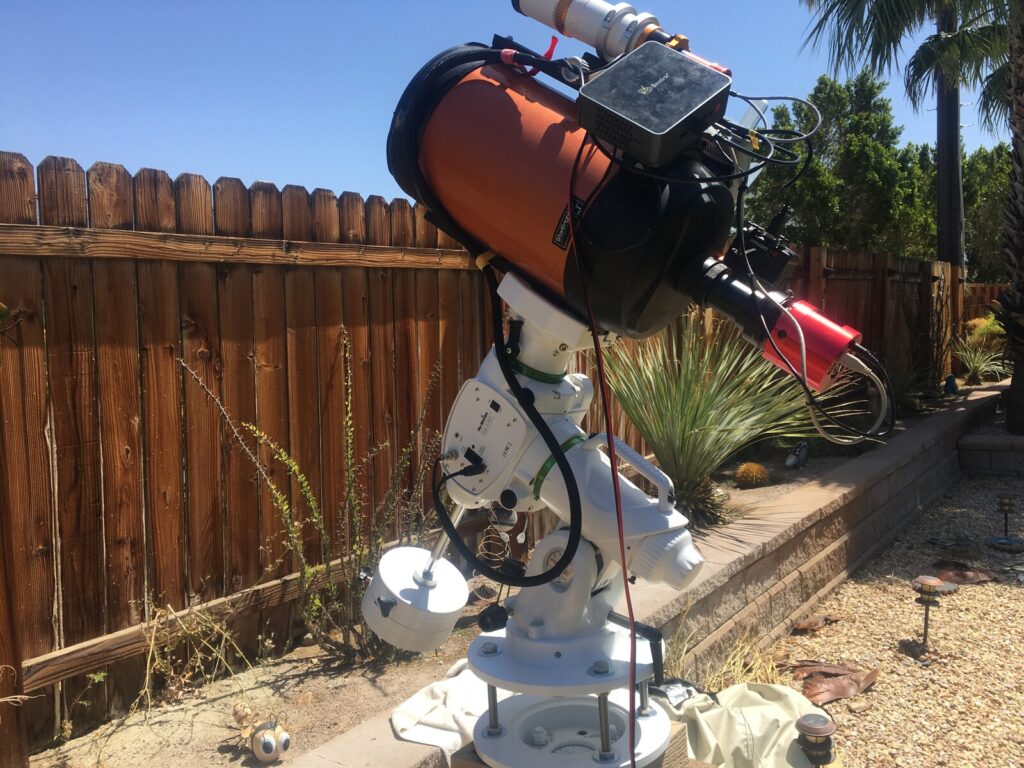
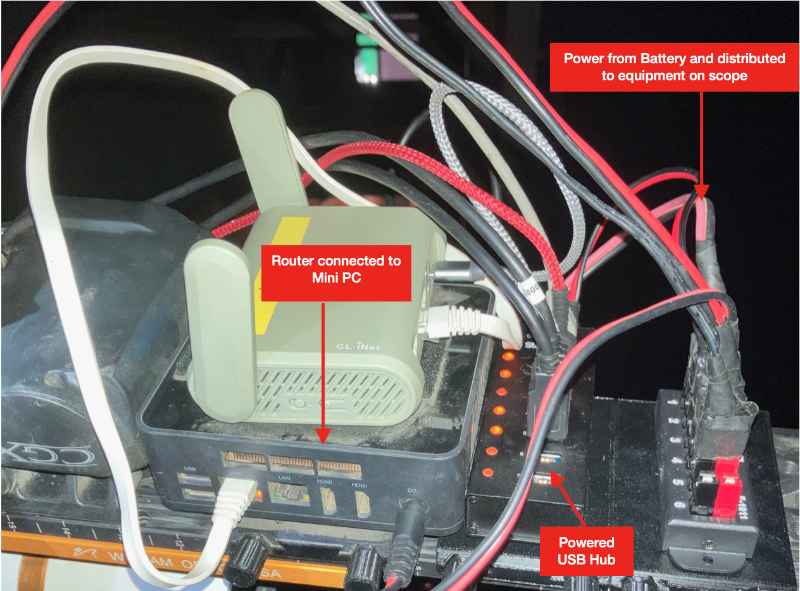
The black box on top of the telescope is a BeeLink GK-55 computer
I have a mini PC connected to each telescope. These small computers do not have a monitor or keyboard connected and I control them remotely.
Both computers are BeeLink GK-55 models running Windows 10 Pro. I have the following programs installed:
EQMOD is a communications program for my Sky-Watcher EQ6-R Pro telescope that interfaces with other programs for control of the mount.
CPWI is a communications program for my Celestron CGX telescope mount that interfaces with other programs for control of the mount.
SharpCap Pro is a program I use to “polar align” the mount to the celestial North Pole. For tracking to work the computer programs assume the mount is polar aligned.
PHD2 is the auto guiding program I use (as explained earlier).
N.I.N.A. (Nighttime Imaging ‘N’ Astronomy) — see the detailed explanation below:
N.I.N.A. (Nighttime Imaging ‘N’ Astronomy) is a powerful, free, open-source software suite for Windows that automates and manages complex astrophotography imaging sessions, allowing users to control telescopes, cameras, and mounts for deep-sky imaging.
Wireless Router
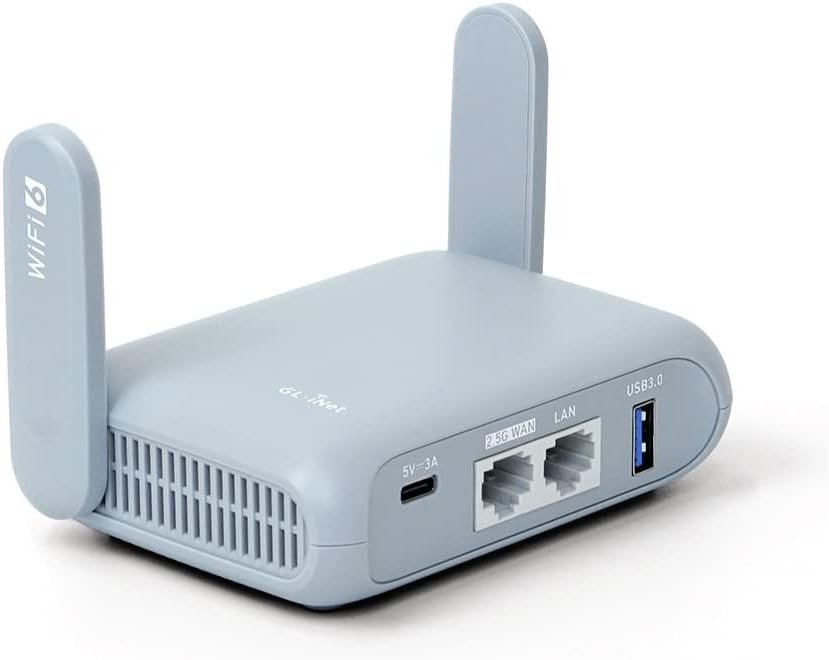
GL-iNet Beryl Router
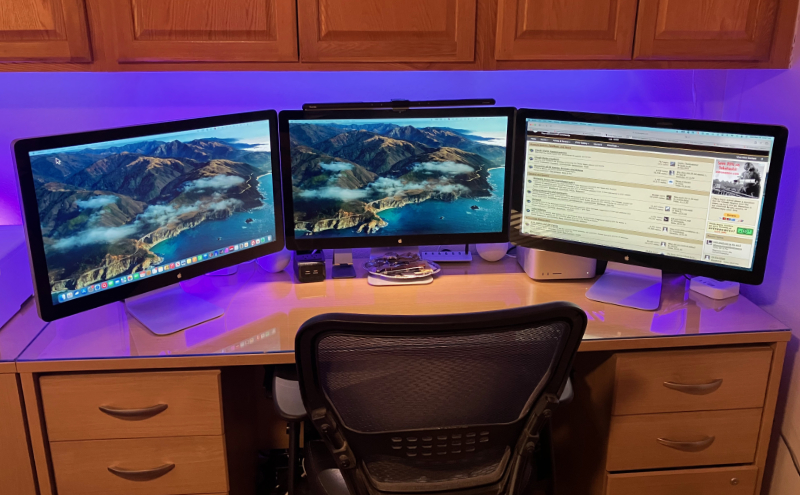
I run each night’s imaging session from inside our house or from inside our travel trailer when camping. At home I do not connect to our wireless internet, but create a Wi-Fi hotspot for each telescope. This just makes things easier for me since there is no internet or cell service in most of the places we camp.
I use a GL-iNet Beryl Router with both mounts.
Power
Everything runs off of a 12 volt DC battery. You can read about the power system I built in this post.
Equipment in Action
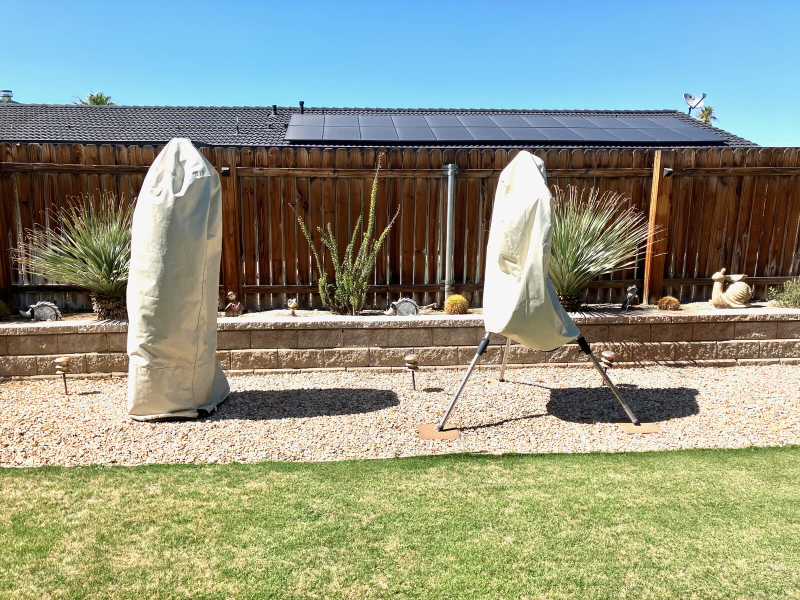
These are the steps I utilize for night of imaging, whether at home or camping. At home the telescopes are outside 24/7 under weather proof covers.
Step 1: Uncover the telescope.
Step 2: Remove lens covers from telescopes.
Step 3: Connect battery.
Step 4: Go inside house or camper.
Step 5: Connect Apple computer or iPad to the Windows 10 computers outside (via the Beryl router hotspot).
Step 6: Open the software programs and connect to the equipment.
Step 7: Instruct N.I.N.A. on what I want done.
Wait until astronomical dusk to start
Cool camera to 0°C (32° F)
Focus the telescope
Slew telescope to the designated target.
Take a picture of the designated target and compare to data base to see if it is the correct target and centered.
If not centered, move the mount until it is.
Instruct the camera what exposure time and gain setting to use.
Instruct the camera how many pictures to take.
Instruct N.I.N.A. what time to stop taking pictures (usually astronomical dawn).
Turn the camera cooler off.
Park the mount (return it to the home position.
I can instruct N.I.N.A. to take images of more than one target. Sometimes of a tree is in the way at certain times, I will image two or more targets. Most nights I take images of just one target — that is one target for each telescope.
One N.I.N.A. starts I do not have to monitor my equipment. Thus I can spend the evening with Joyce. Often times, after I have started the imaging sessions, we will be in the living room and she will ask, “Are you taking pictures tonight?”
When it is time to go to bed, I can be assured the equipment will continue operating without my attention. So we go to bed. In the morning I usually transfer the captured images on a small external SSD drive, disconnect the battery and cover the telescopes. I then take the battery into the garage and charge it. When camping I just leave the battery outside connected to the solar panels.
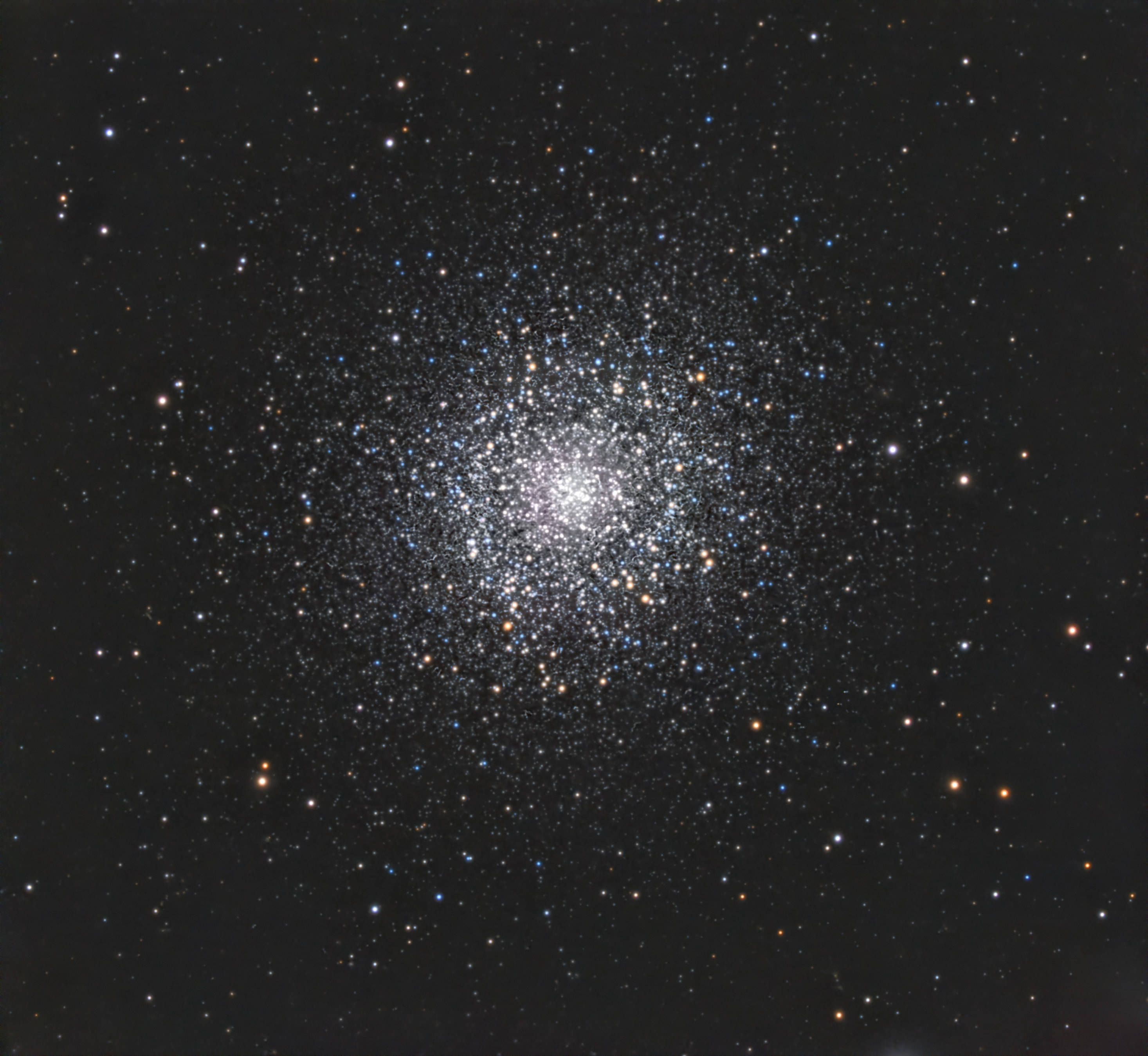
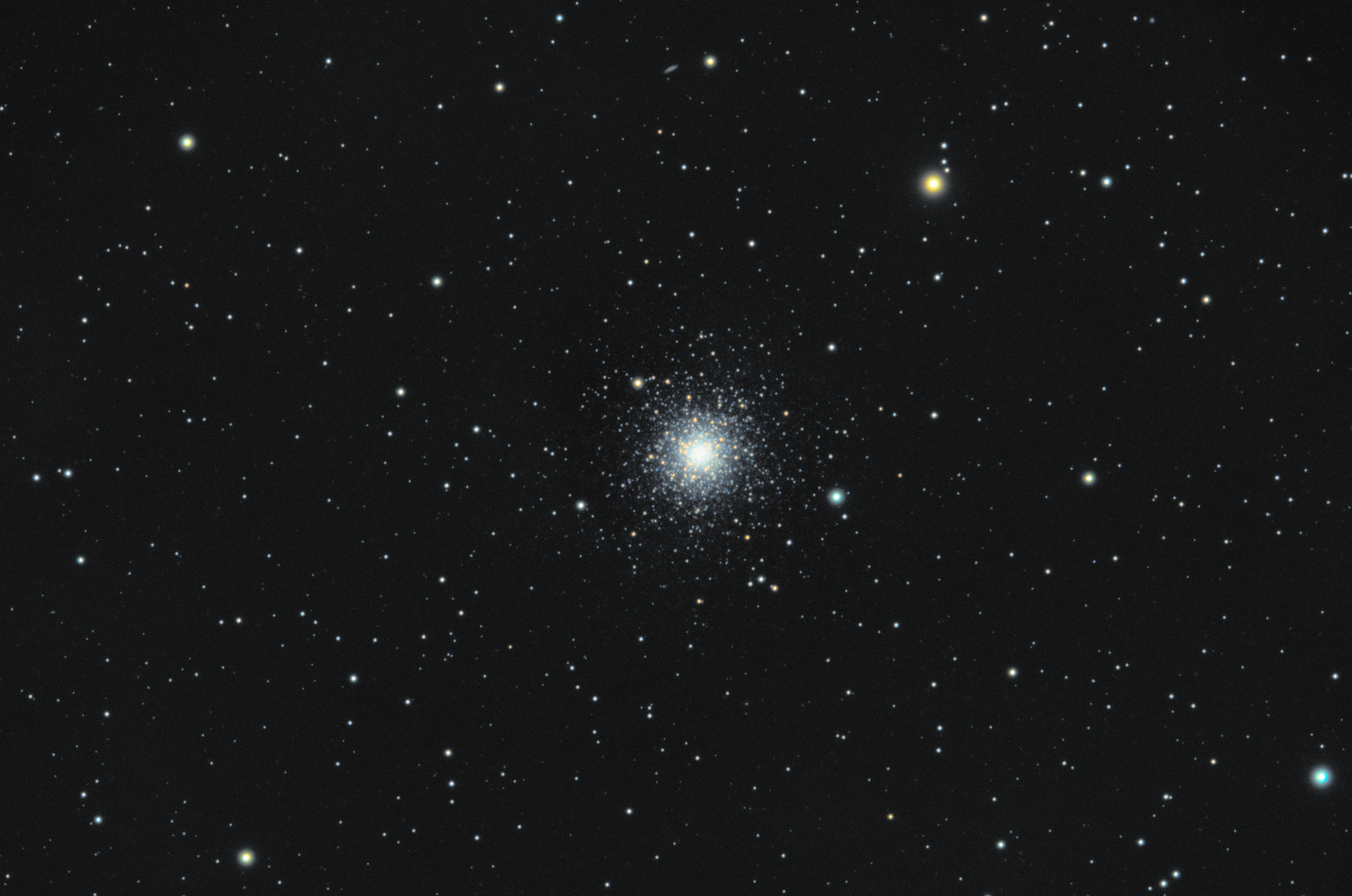
The M3 Star Cluster, also known as Messier 3, is a magnificent globular cluster located in the constellation Canes Venatici, about 33,900 light-years away from Earth. It is one of the largest and brightest globular clusters in the northern sky, spanning roughly 180 light-years in diameter and containing over 500,000 stars densely packed into a spherical shape.
M3 is an ancient stellar system, with stars estimated to be around 8 billion years old. Its densely populated core gives it a bright, almost glittering appearance through telescopes, while its outer regions gradually fade into the surrounding space. The cluster is rich in variable stars, particularly RR Lyrae types, which astronomers use to measure distances in the galaxy.
Visually, M3 appears as a bright, circular patch to the naked eye under very dark skies, but telescopes reveal a stunning collection of stars, densely concentrated at the center and gradually thinning toward the edges. M3 is a favorite target for amateur astronomers due to its brightness, size, and striking structure, making it a spectacular sight in springtime skies.